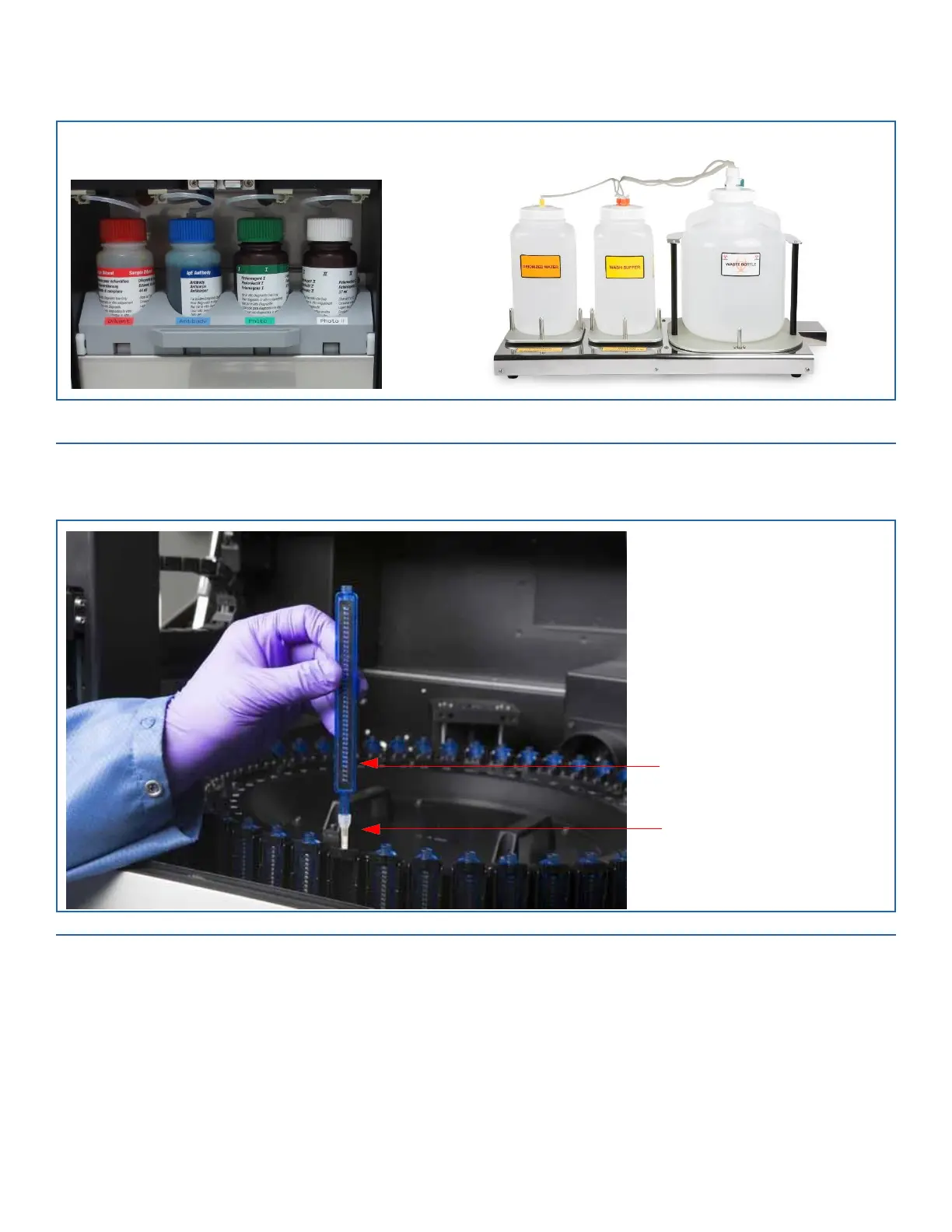
Reagent Bottles: Antibody, Photoreagent I,
and Photoreagent II
Wash Buffer, Deionized Water, and Waste Bottles
FIGURE 5-2. Input Bottles on AP3600
6.
Attach a Pette tip to each Pette, and load it into the Pette carousel, starting at position #1 and leave no empty spaces between pettes.
Load the Pettes into the carousel so that the barcode label faces the inside of the instrument. The pettes can be loaded in random
positions; there is no need to match the sample position.
FIGURE 5-3. Load Pettes in Carousel


 To Next Page