System Settings Screen
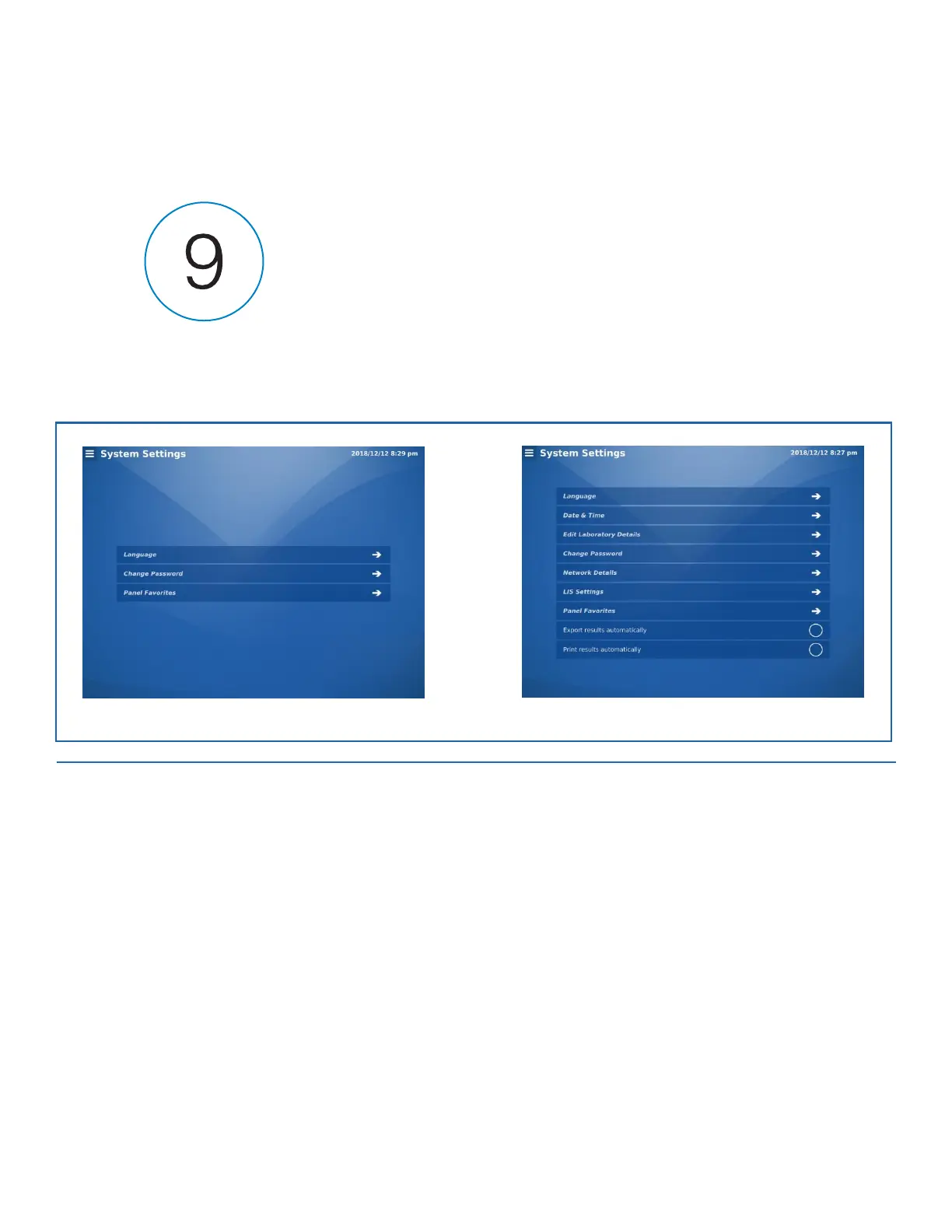
The System Settings screen provides screens for configuring default system settings for the logged in user.
Note: The following utilities are available to operators logged in with the User 1 through User 10 and Admin accounts.
Screens available to operators logged in with the Service accounts are not discussed below.
FIGURE 9-1. System Settings Screen
Language
Currently English is the only language available.
Date & Time (Admin Only)
1.
Select Format for the time.
2.
Select Date Format for the date.
3.
Select Submit when finished.


 To Next Page