About Screen
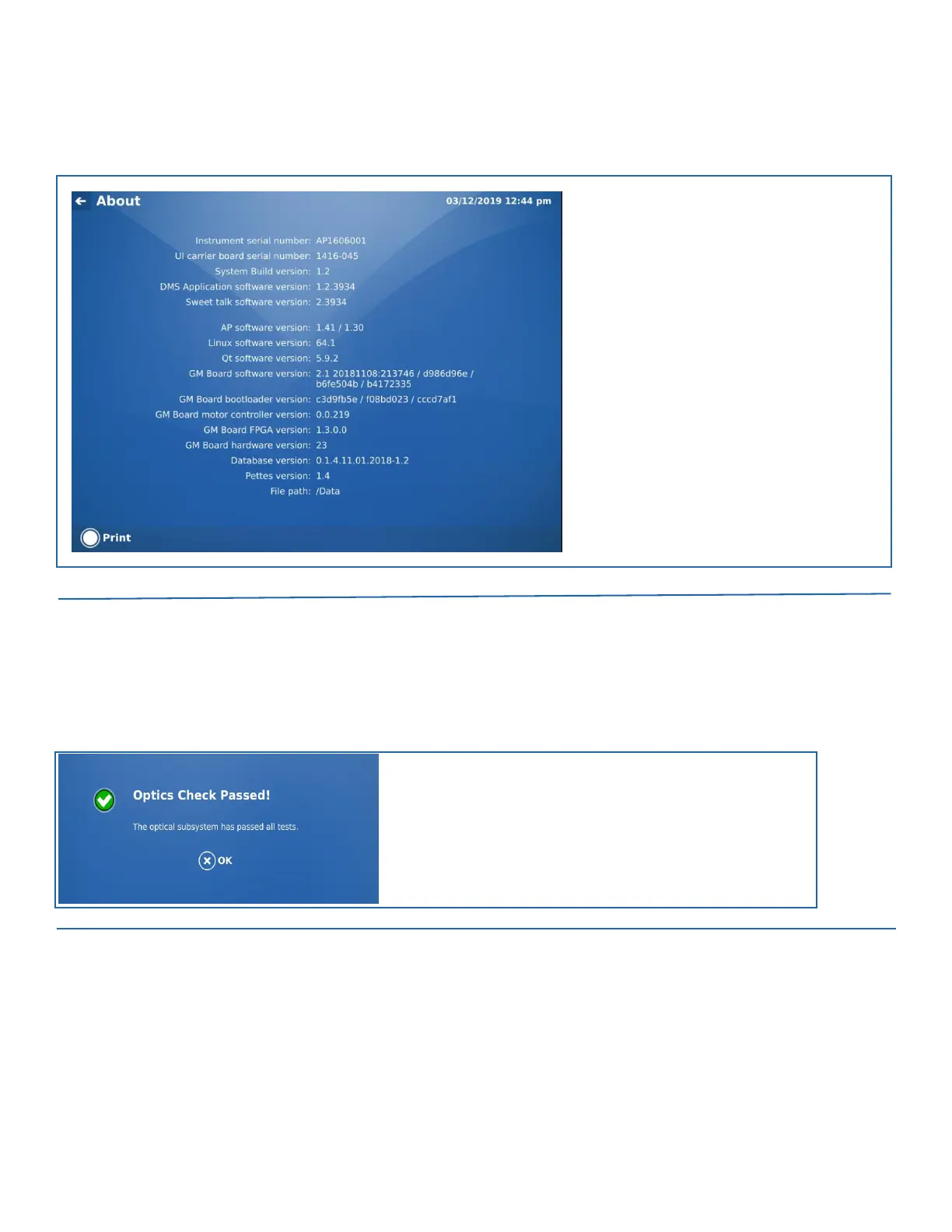
The About screen provides system information that may be useful when troubleshooting issues. All user accounts have access to this
screen.
FIGURE 8-2. About Screen
Manually Start Self Check
Ensure all doors are securely closed. Then select the Manually Start Self Check item to run an optical self check of the AP3600
instrument. A message appears after the check is complete indicating if the check passed or not.
FIGURE 8-3. Optics Check Passed Message


 To Next Page