3 - 38
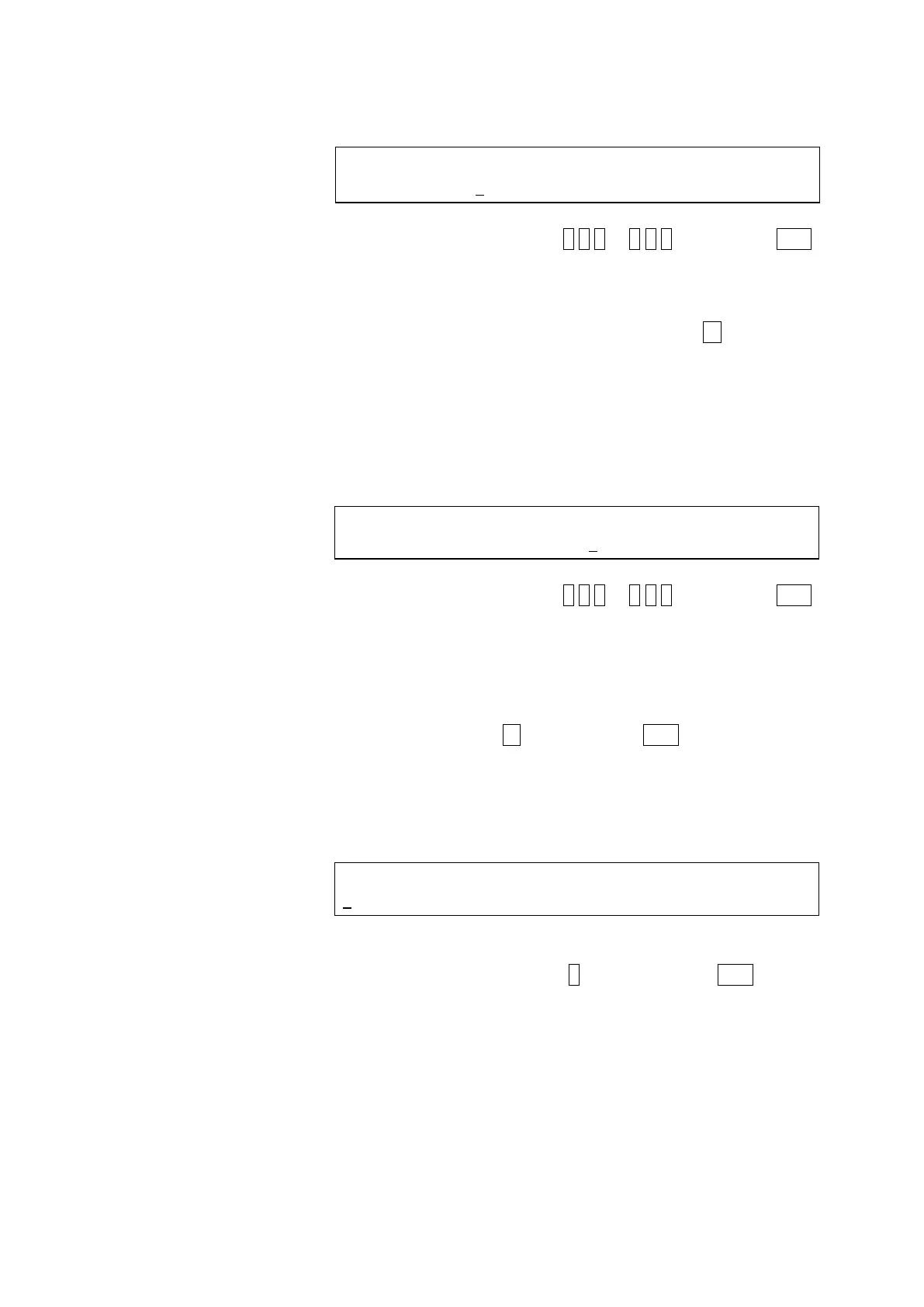
<Scan range setting screen (indicate WL1)>
SCANNING WL RANG (WL1 WL2) nm FL (Ex)
<200-800> 200 - 600
Press numeric keys 2 0 0 to 8 0 0 and then the ENT
key.
* Setting range : 200 to 800 nm
* Initial (default) value : 200
* If setting will not be changed, press key to
proceed to WL2 setting.
The cursor now moves to WL2.
(d) Now enter an end wavelength (maximum value) at
WL2.
<Scan range setting screen (indicate WL2)>
SCANNING WL RANG (WL1 WL2) nm FL (Ex)
<250-600> 200 - 600
Press numeric keys 2 5 0 to 8 5 0 and then the ENT
key.
* Input value : Value of less than 850 within
WL1 + 50 to WL1 + 400.
* Setting range : 250 to 850 nm
* Initial (default) value : 600
* Pressing key prior to the ENT key will return to
WL1.
(e) A memorize spectrum setting screen will now appear.
<Memorize spectrum setting screen>
MEMORIZE SPECTRUM NO. (1 - 4)
1
Set a memorize spectrum number for the spectral data.
Press a numeric key 1 to 4 and then the ENT key.
* Initial (default) value: blank
* Upon entering a memorize spectrum No., the
previous spectral data will be deleted and the new
data will be memorized.



 To Next Page