3 - 39
(f) The scan monitor screen appears, and spectral
acquisition within the set range is carried out.
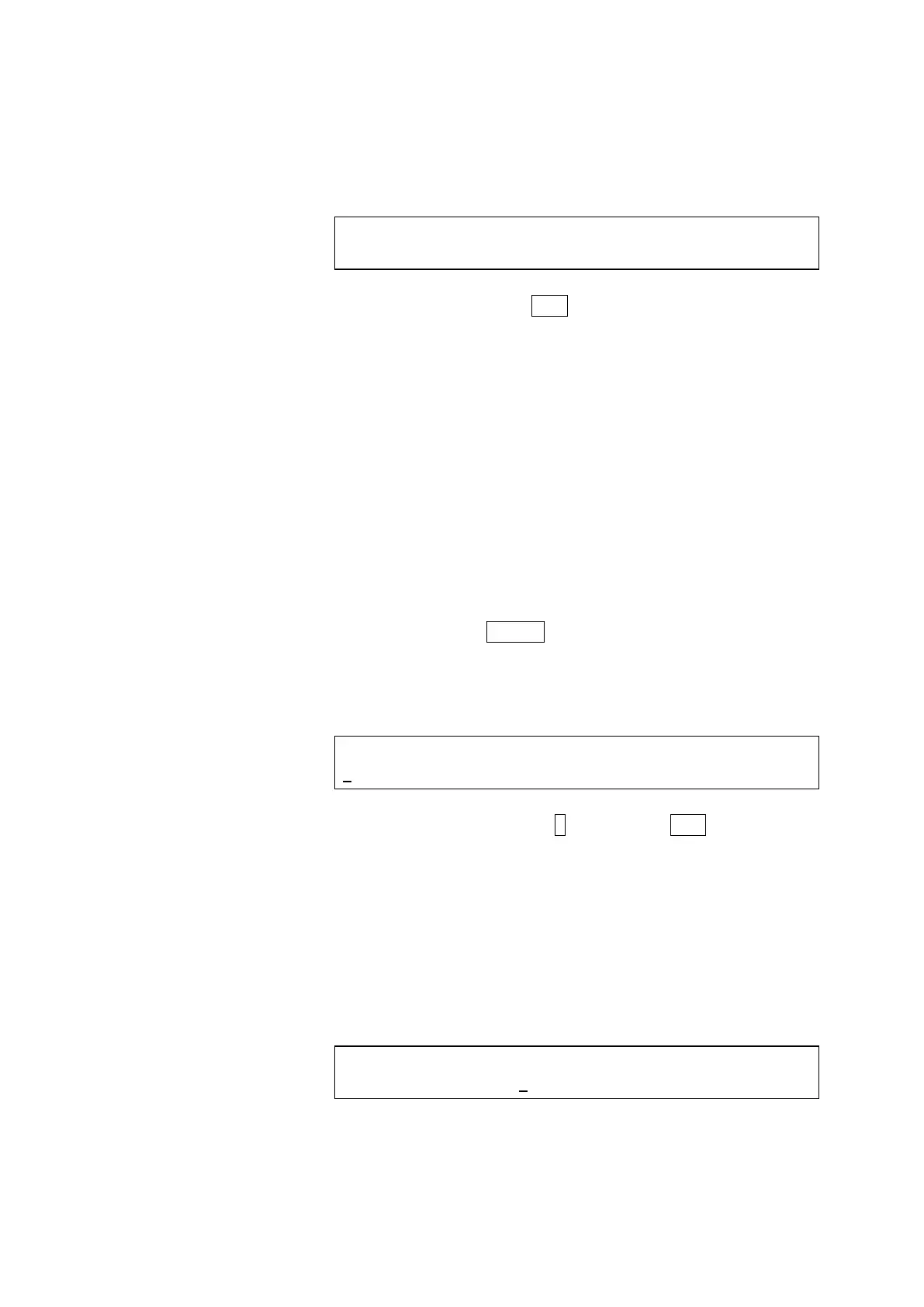
<Scan monitor screen (spectral acquisition under way)>
SCANNING SPECTRUM NO.: 1 MODE: FL (Ex)
Ex: ***nm Em: 350 nm
* Pressing the ESC key during spectral acquisition
will cancel the process. Spectral data will not be
memorized.
* The memorize spectrum No. set in the preceding
step will be indicated at SCANNING SPECTRUM
NO.
* Ex is effective within the scan range set above.
(g) When the spectral data memorization is completed, the
system returns to the 1
st
monitor screen automatically.
(2) Measurement and Recording of Spectrum for Emission(Em)
Scan Range:
(a) Press the SPECT key.
(b) The scan mode setting screen will appear.
<Scan mode setting screen>
SPECTRUM MODE (FL (Ex)=1, FL (Em)=2)
2
Press numeric key 2 and then the ENT key to select
FL (Em).
Now proceed to the scan range setting screen for
setting a scan range, and enter a start wavelength (a
cursor will appear at WL1).
(c) Enter a start wavelength (minimum value) at WL1 of
the scan range.
<Scan range setting screen (indicate WL1)>
SCANNING WL RANG (WL1 WL2) nm FL (Em)
<250-850> 250 - 600



 To Next Page