15
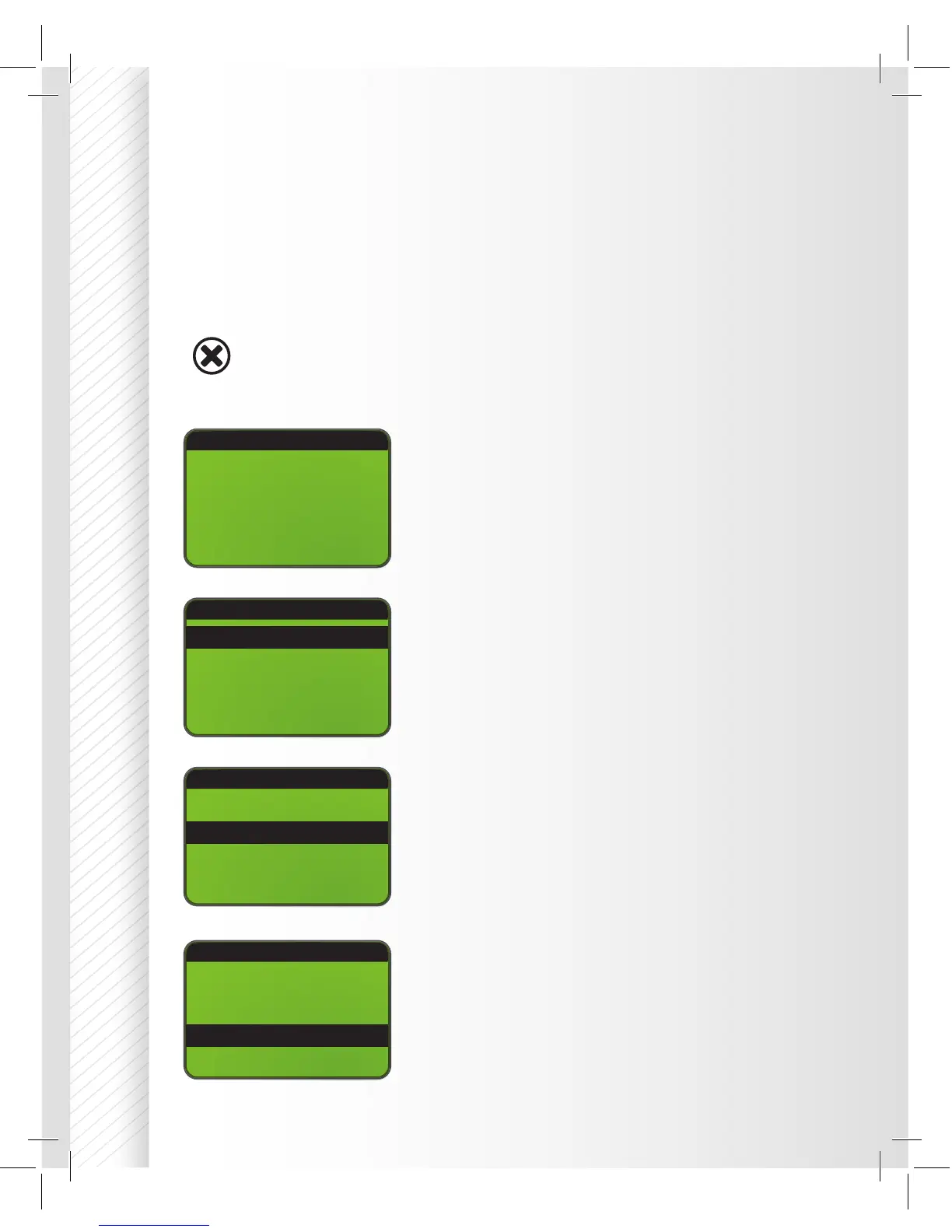
PROGRAM SELECT(01)
WARNING
Battery Type: LiPo
Battery Cells: 3S
Mode: Balance
C Current 3.3A
WARNING
This warning will rst appear on the screen prior
to having full use of the charger. Press ENTER to
acknowledge you have read and understood all
warnings before using this charger.
BATT/PROGRAM Select
Press INC and DEC to cycle through all battery
types and press START/ENTER to select the
appropriate battery types to be charged.
Battery Cells
Press INC and DEC to scroll through the
battery cells supported by the charger. Press
START/ENTER to select the appropriate cells for
your battery.
Mode Select
Press INC and DEC to scroll through all
available modes. If you plan to charge your
battery, select Charge mode. Press the
START/ENTER button to con rm the mode of
your choice.
BEFORE YOU BEGIN CHARGING YOUR BATTERY, MAKE SURE YOU
HAVE READ AND UNDERSTAND ALL OF THE WARNINGS AND SAFETY
INFORMATION CONTAINED ON PAGES 37.
Warning
PROGRAM SELECT(01)
Battery Type: LiPo
Battery Cells: 3S
Mode: Balance
C Current 3.3A
PROGRAM SELECT(01)
Battery Type: LiPo
Battery Cells: 3S
Mode: Balance
C Current 3.3A
Whenever a parameter value in the program needs to be adjusted, highlight
the value by pressing the START/Enter button to make it blink; to change
the value press the DEC or INC buttons. The new value will be stored by re-
pressing the START/Enter button. If there is another parameter to be adjusted
as part of a range on the same screen, it will start blinking after the rst
parameter value has been con rmed.
NEVER LEAVE CHARGER
UNATTENDED. BATTERY CHARGING
CAN BE DANGEROUS. PRESS ENTER
TO CONFIRM YOU HAVE READ
THE MANUAL & WARNINGS AND
UNDERSTAND THEM.


 To Next Page