20
Storage Mode
When the battery is idle for more than ten days. It is better to discharge the
battery to 65% of total power in order to prevent swelling. If the battery
level is below 65% (15.6V), you need to recharge it to 65%.
*NOTE: Turn ON the battery before you put it in storage mode.
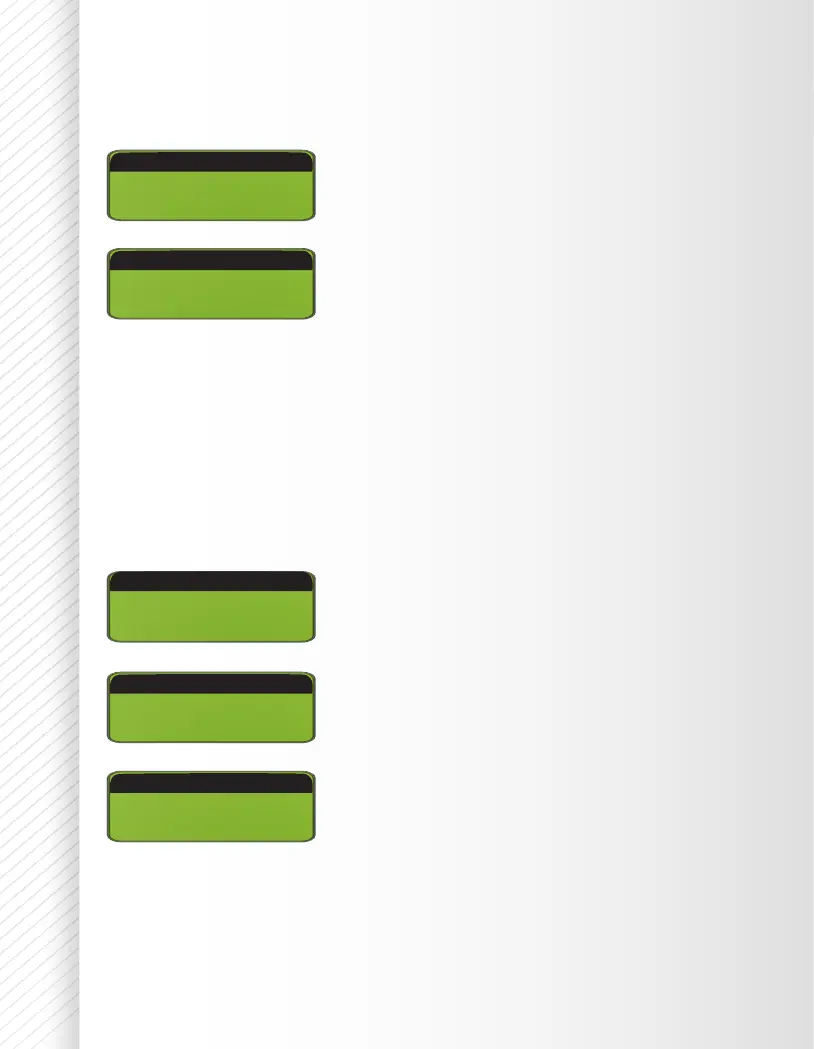
BATT/PROGRAM
LH3S CHARGE
LH3S CHARGE
DJI Mavic BATT
TURN ON BATTERY
TURN ON BATTERY
Click +/- to locate DJI Mavic
TM
BATT program
Click +/- to locate STORAGE mode
Press and hold START/ENTER for 3 seconds to
start the program.
BATT/PROGRAM
LH3S CHARGE
DJI Mavic BATT
TURN ON BATTERY
Click +/- to locate DJI Mavic
TM
BATT program
Click ENTER to get into CHARGE mode. Press
and hold START/ENTER for 3 seconds to start
the program.
™ DJI, MAVIC are trademarks of SZ DJI Technology Co., Ltd


 To Next Page