8
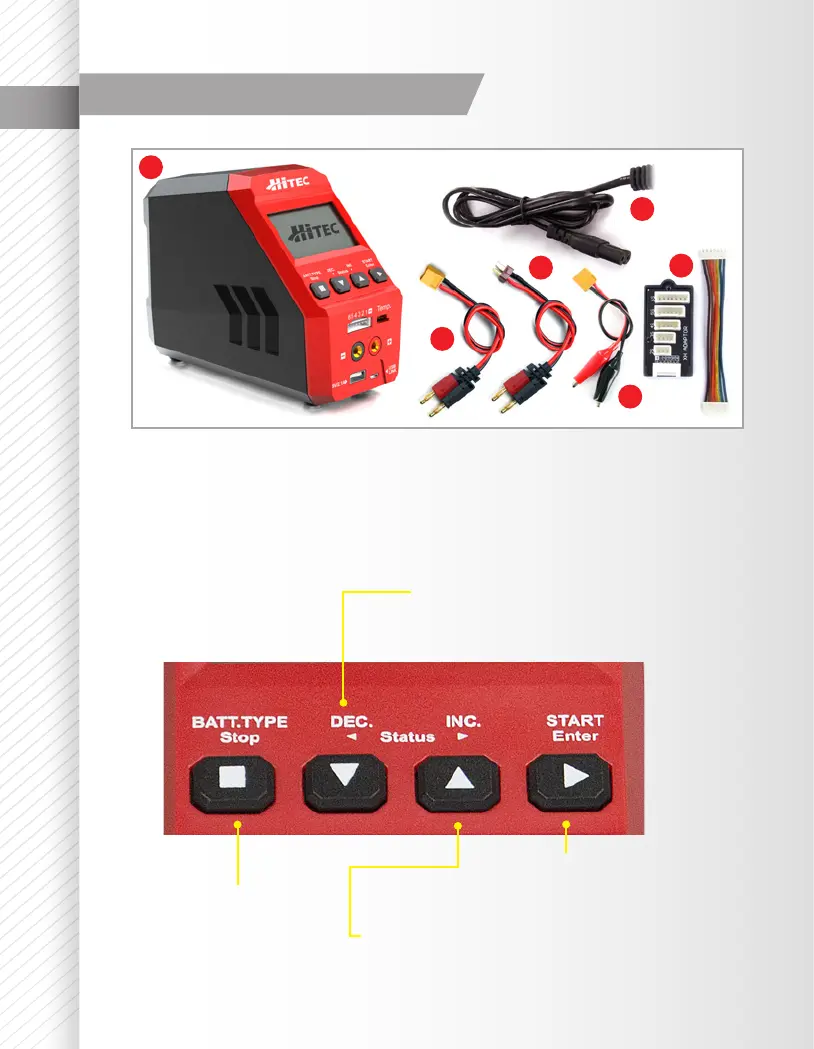
Charger Layout
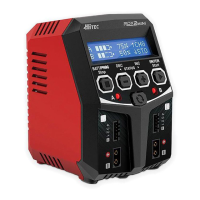
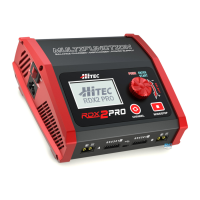
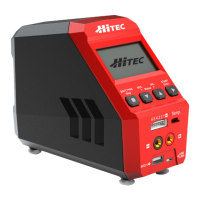
1. Hitec RDX1 Charger
2. AC Power Cord
3. XT60 to Alligator Clip Connector
4. XT60 Charge Connector
5. 2-Pin T-Type Charge Connector
6. XH Balance Board
1
2
3
4
5
6
Batt. Type/Stop Button
Start/Enter Button
Stop the progress of the
current action or cycle back
to the previous step/screen.
Scroll through available menus
or increase parameter values.
Scroll through available menus
or decrease parameter values.
Stop the progress of
the current action
or cycle back to the
previous step/screen.
INC. Button
DEC. Button
Input Buttons


 To Next Page