24
Item Selection Description
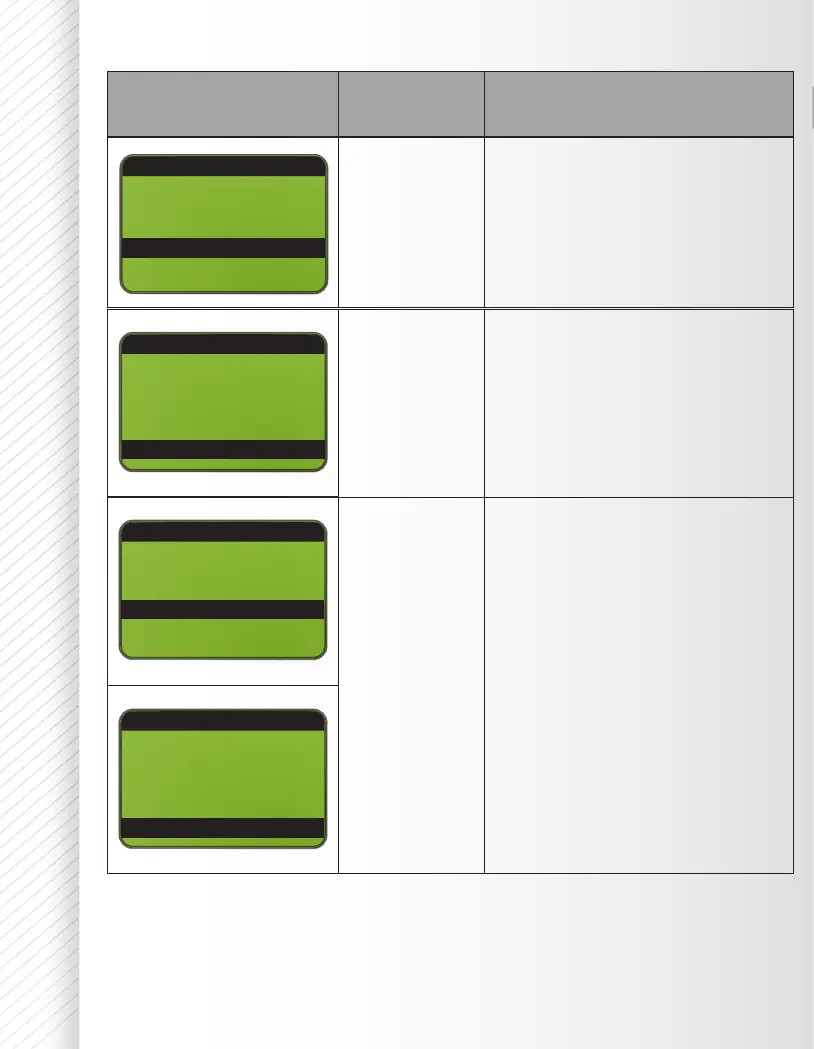
0 - 100 Choose the LCD denition best
suited to your preference
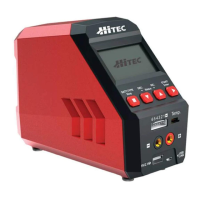
Display the hardware and
rmware version.
SYSTEM SETUP
SYSTEM SETUP
LCD Contrast:
LCD Contrast:
Factory Reset 100
Factory Reset
FW Version: 1.01
FW Version: 1.01
HW Version: 1.00
HW Version: 1.00
100
100
Press the Start/Enter button to
make “Reset” blink; then, press and
hold the Start/Enter button to load
the factory default settings.
SYSTEM SETUP
Key Beep:
Buzzer: ON
LCD Contrast: 100
Factory Reset
ON
SYSTEM SETUP
Key Beep:
Buzzer: ON
LCD Contrast: 100
Factory Reset
ON


 To Next Page