20 21
Pb LEAD-ACID PROGRAM
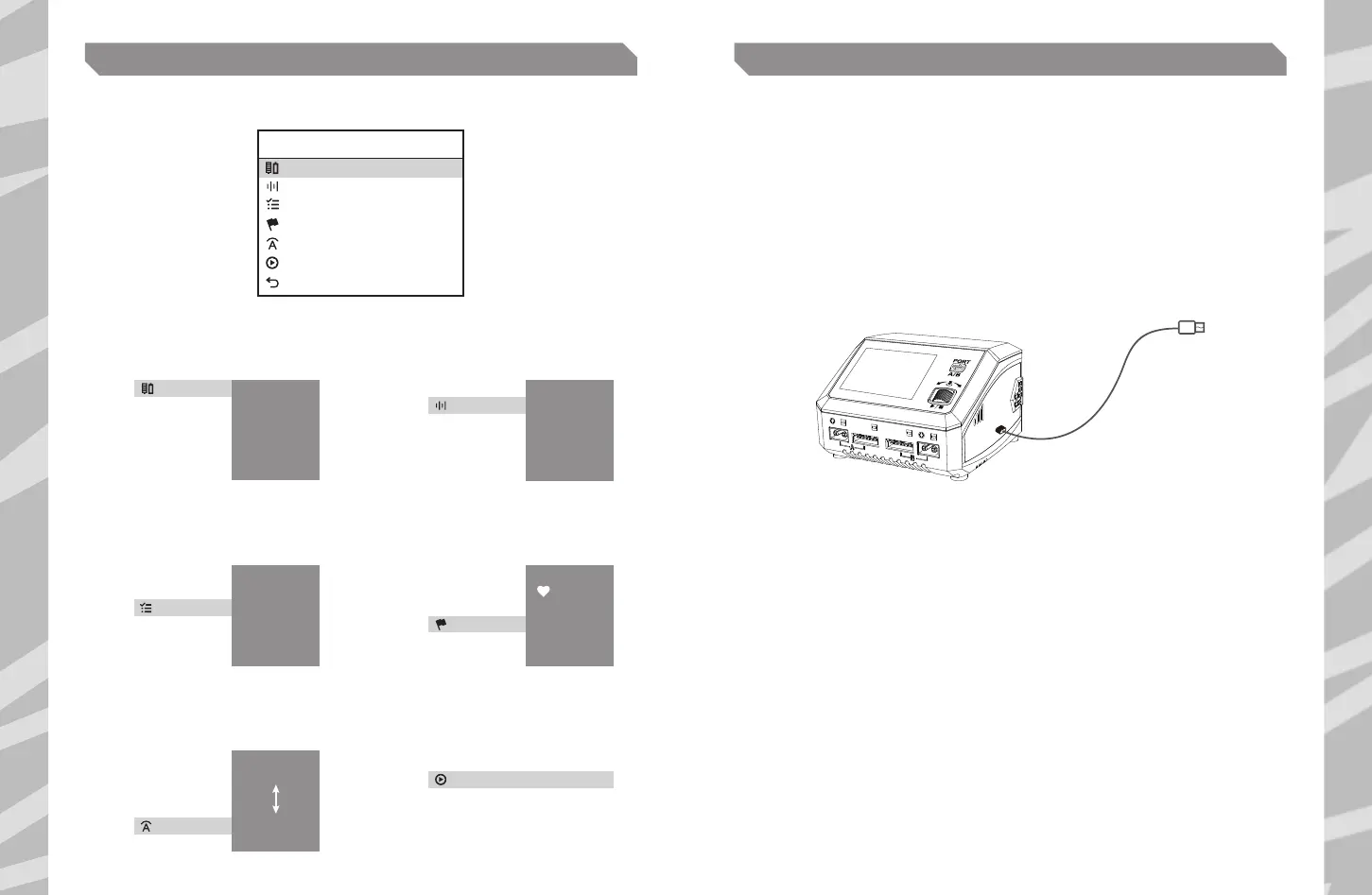
From the main menu, press the scroll button to enter the Charger’s settings.
Battery Type
Condition
Battery Cell
Task
Start
Back
CHARGE SETTING
Pb
2.45V
6S(12.0V)
AGM Charge
CH A
Current 5.0A
1 2
Using the scroll wheel, select the
type of battery connected.
Using the scroll wheel, select the
cell count of the battery connected.
Press scroll wheel
to confirm.
Press scroll wheel
to confirm.
3
Using the scroll wheel, select the
charge mode.
Press scroll wheel
to confirm.
4
Using the scroll wheel, select the end voltage.
Only available in discharge mode.
Press scroll wheel
to confirm.
5 6
Using the scroll wheel, select the
charge current.
Using the scroll wheel, select Start
and press to initiate the charge
process using the selected settings.
Press scroll wheel
to confirm.
Press the scroll button again to stop the
charge process and return to settings.
Start
Battery Type
Lilo
LiFe
LiHV
NiMH
NiCd
Pb
Battery Cell
3S
6S
12S
Task
Normal
AGM Charge
Cold Charge
Discharge
Condition
1.80V
1.90V
2.00V
Current
0.1A
10.0A
0.2A
9.9A
CHARGE MANAGER
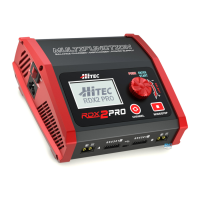
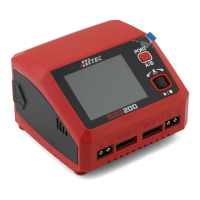
RDX2 200 is capable of charging and discharge monitoring through the computer. Various
parameters, including charge time and capacity, can be displayed visually, as well as charge
current and voltage in a curve.
In addition, battery performance can be analyzed through the Charge Manager.
1. Download the latest Charge Manager onto your PC or Mac.
Unzip and open it to install after downloading.
2. Power on your RDX2 200.
3. Connect the RDX2 200 to your computer via a USB type-C cable.
4. On the top left of the Charge Manager, choose the option of Charge.
5. Set the parameters on the corresponding ports. Click to start the program after setting up.


 To Next Page