22 23
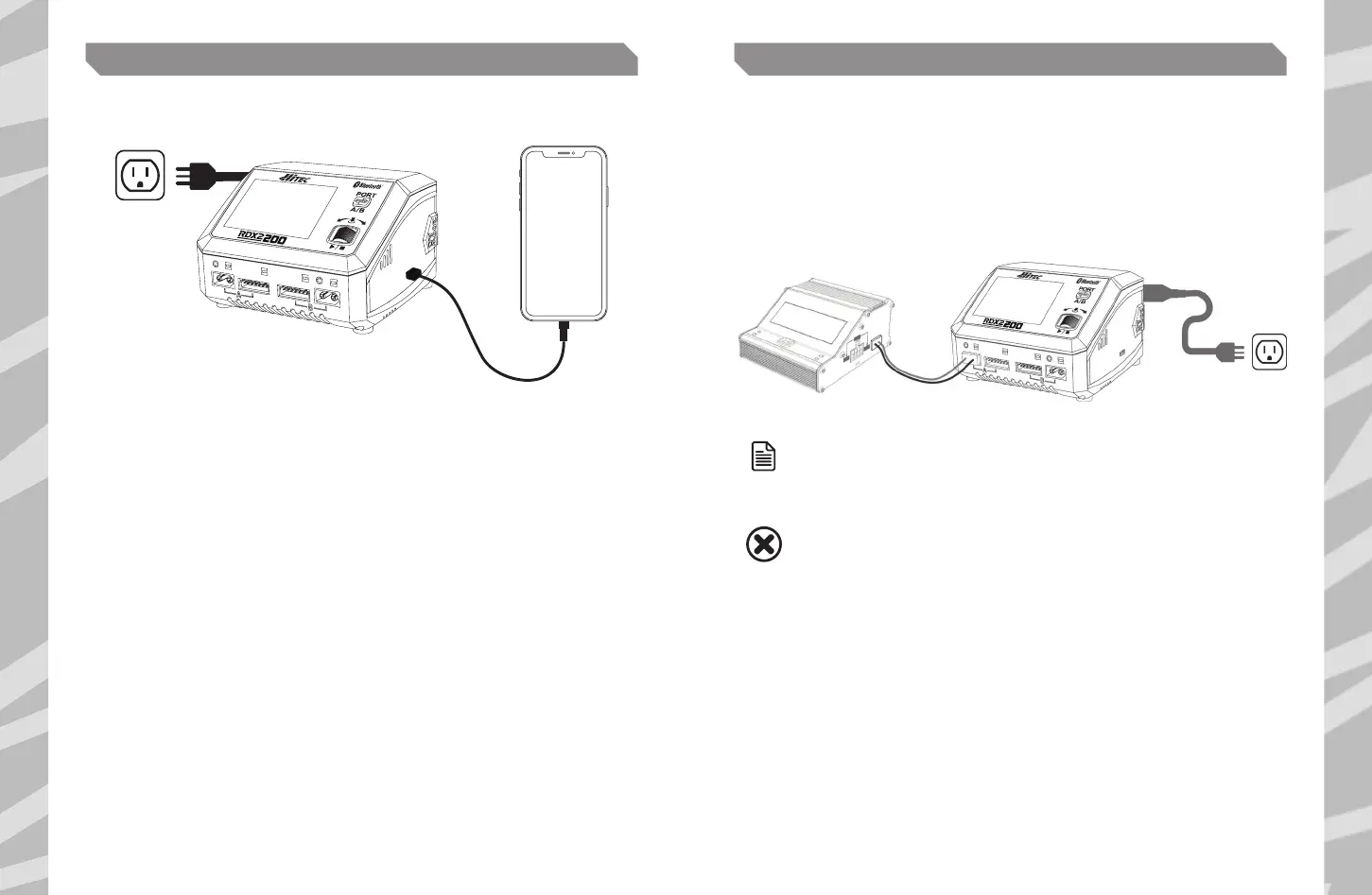
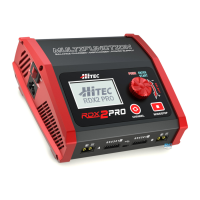
The RDX2 200 is capable of charging your mobile devices in addition to batteries. Simply plug your
device into the charger's USB Type-C port and enjoy up to 20W of charging power!
DC POWERUSB TYPE-C PD/QC3.0 OUTPUT
NOTE
ON THE DC POWER INTERFACE, PRESS THE PORT BUTTON
TO TOGGLE BETWEEN A/B PORTS.
PLEASE MAKE SURE THERE IS NOTHING CONNECTED TO THE PORT
BEFORE SELECTING THIS SETTING.
WARNING
The RDX2 200 is capable of powering external DC devices.
1. On the main interface, hold the ENTER button for a few seconds to enter the system setting.
2. Select the option of DC Power, then adjust the output voltage and current.
3. Press Start to activate the power function after setting up.
4. Connect your desired DC equipment.


 To Next Page