22 23
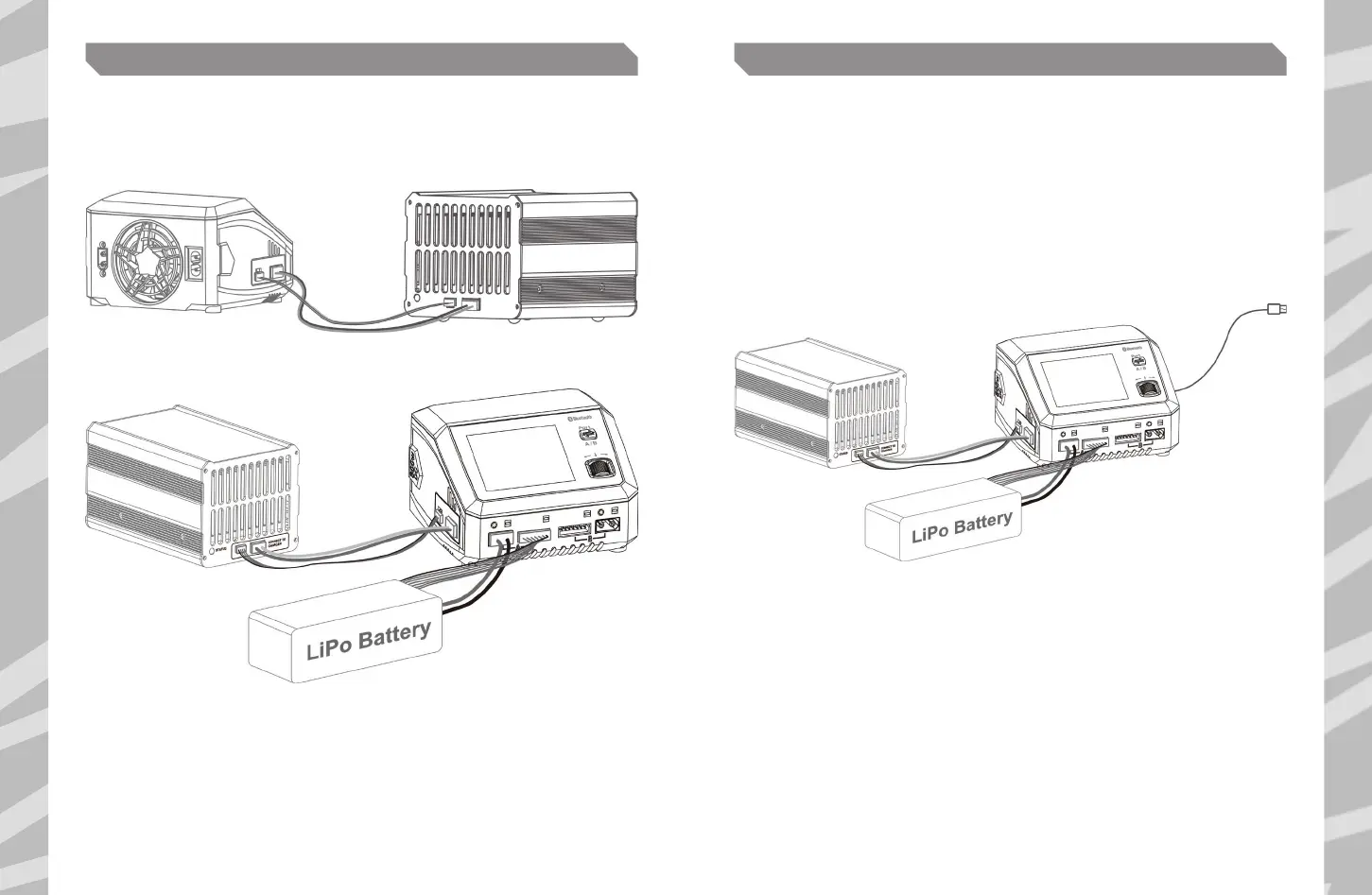
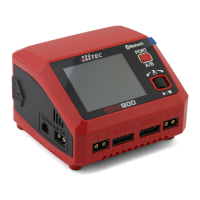
The RDX2 800 is capable of discharging up to 40.0A when the external AD350 Discharger is connected.
1. Connect the power supply to the RDX2 800 Charger. The main menu screen will appear automatically.
2. Connect the AD350 Discharger to the RDX2 800.
3. Connect the battery to the RDX2 800 on Port A or in Parallel for high charge rate cycling.
4. Select Discharge: Set the cut-o voltage, the discharge current, and the number of cells.
5. Start the program after setting up by pushing the ENTER button.
The AD350 Discharger is not included and must be purchased separately. External discharge
is available only on Port A or cycle function in parallel.
EXTERNAL DISCHARGE CHARGE MANAGER
RDX2 800 is capable of charging and discharge monitoring through the computer. Various
parameters, including charge time and capacity, can be displayed visually, as well as charge
current and voltage in a curve.
In addition, battery performance can be analyzed through the Charge Manager.
1. Download the latest Charge Manager onto your PC or Mac.
Unzip and open it to install after downloading.
2. Power on your RDX2 800.
3. Connect the RDX2 800 to your computer via a USB type-C cable.
4. On the top left of the Charge Manager, choose the option of Charge.
5. Set the parameters on the corresponding ports. Click to start the program after setting up.
PC Interface


 To Next Page