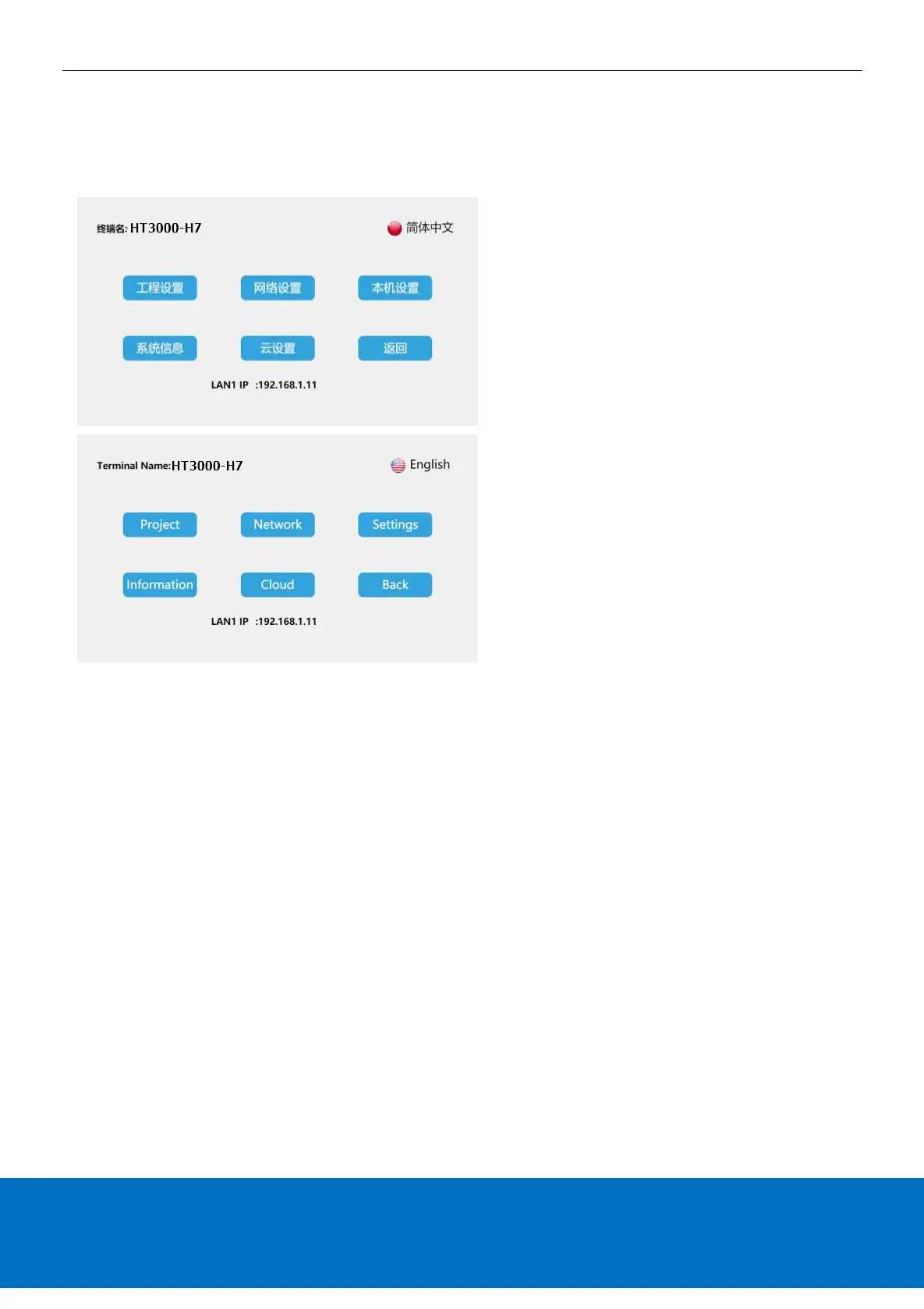
Multi-language settings
Enter the HMI background settings interface, click the language settings button at the top right of the screen, you can switch the
system language, the device supports two languages: simplified Chinese and English.
Exit background settings
On the HMI background settings interface, click [Back] to exit the background settings and enter the project running interface.
Thanks for choosing HNC Products, If you have any questions about our products or services, please let us know!
Website: www.hncelectric.com


 To Previous Page