10. Built-in devices
120
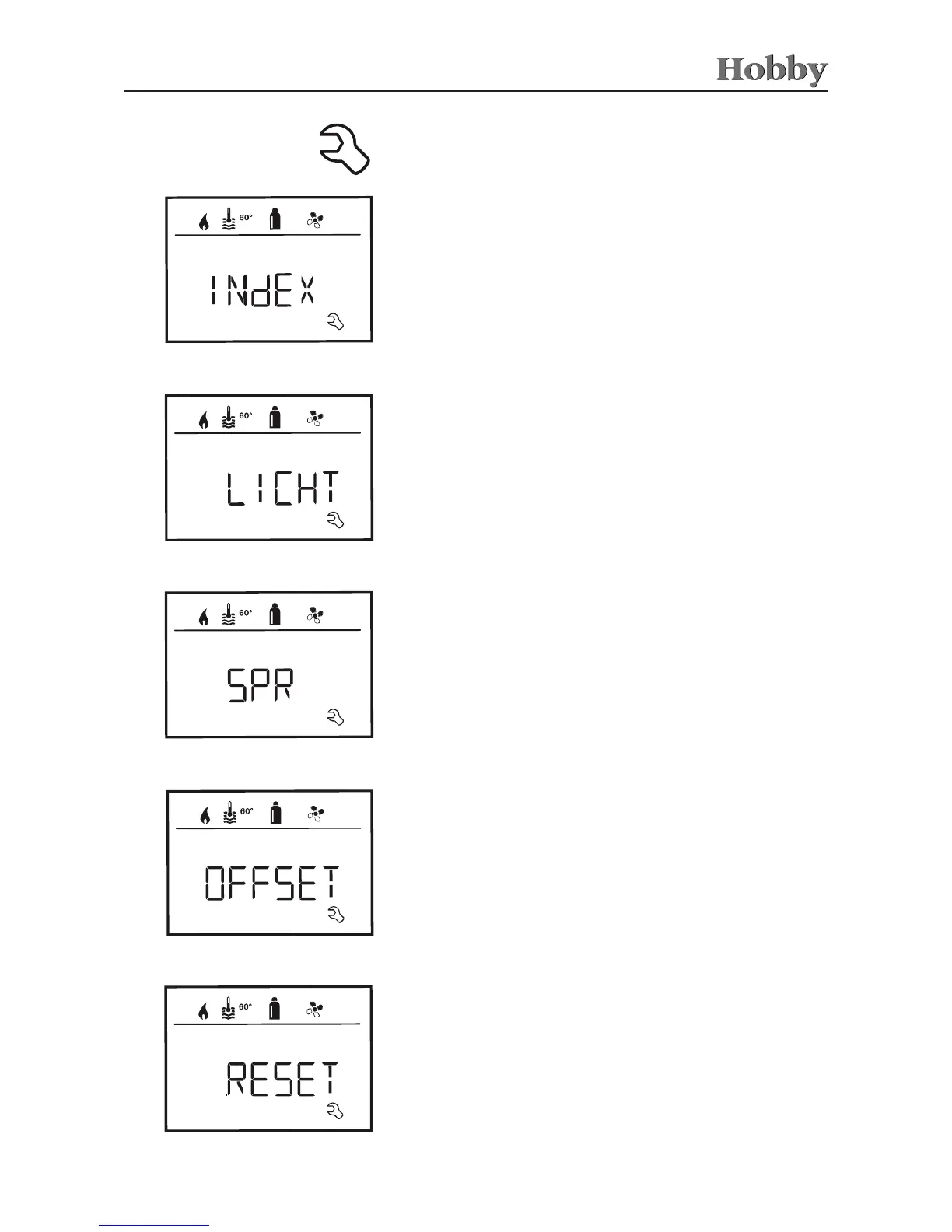
Service menu
Show the version number of the heating or control panel.
To show the version number of the connected devices
Select the desired language from the languages available
(e.g. English, German, French, Italian).
Changing the language
Calibrating the temperature sensor (OFFSET)
The background illumination can be changed in 10 increments.
Changing the background illumination of the control panel
The temperature sensor for the heating can be individually adjusted
to the size of the vehicle. The oset can be set in increments of 1°C
within a range of -5°C to +5°C.
The reset function resets the control panel to the manufacturer's
default setting. It deletes all of the settings you have made.
Conrming the reset
• Press the adjusting knob / pushbutton
Resetting to manufacturer's default setting (RESET)



 To Next Page