Built-in devices
10-4
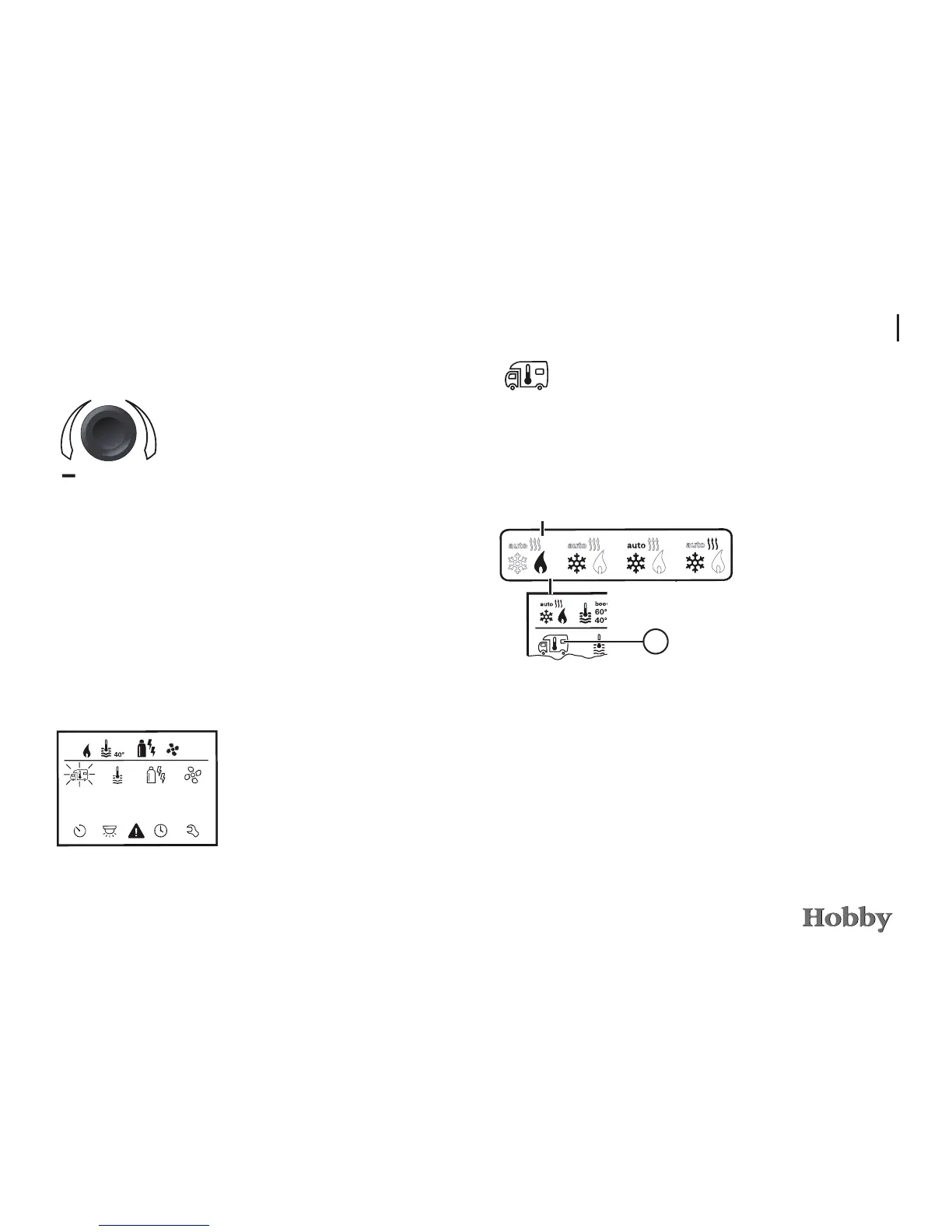
Use the adjusting knob / pushbutton to select the icon in the
menu line
l
- Press to switch to the setting mode.
- Use the adjusting knob / pushbutton to select the desired temperature.
- Press the adjusting knob / pushbutton to conrm the temperature.
Changing the room temperature
a = Heating
- Heating is switched on.
- Adjustable range of temperature: 5 - 30°C (in increments of 1°C)
- Use the adjusting knob / pushbutton for fast temperature changes
(on stand-by screen).
a
3
To operate
Switching the control panel on and o
Press the adjusting knob / pushbutton
for longer than 3 seconds.
-
Previously set values / operating parame-
ters will be reactivated after the control
panel has been switched on.
- If the heating system is not supplied with
operating voltage for more than 2 hours,
the control panel will automatically switch
itself o.
- Due to an internal lag feed in the heating
system, it may take a few minutes for the
control panel to switch o.
ı
ı
Press the adjusting knob / push-
button
The display shows the setting mode.
The rst icon blinks.
Selecting the setting mode







 To Next Page