Setup (continued)
Start Time
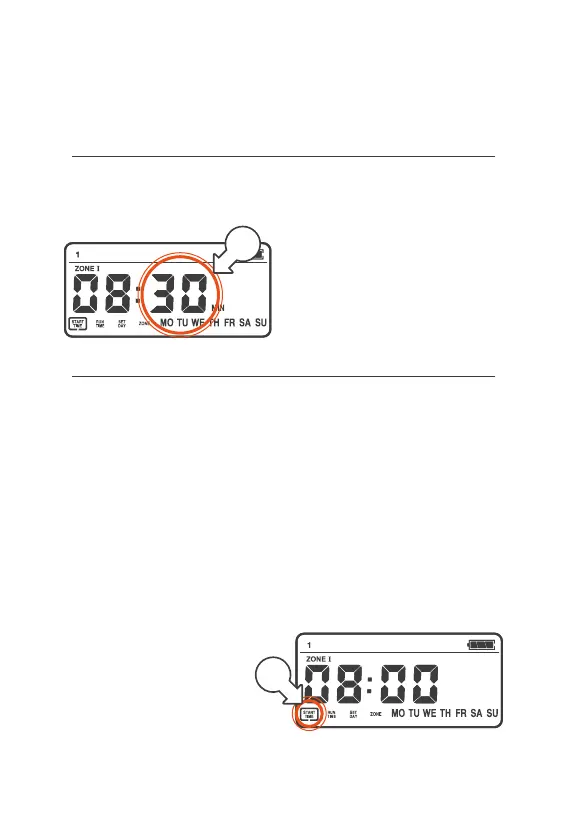
6. Press the MENU DIAL
again and the MINUTES
will now flash [e]
7. Turn the MENU DIAL left or
right to set the MINUTES
8. Once the MINUTES
are correct, press the
MENU DIAL again to
move on to RUN TIME
Run Time
® RUN TIME is the watering
duration for your START
® You can set 1RUNTIME
per START
® Min. RUN TIME is 1 min
® Max. RUNTIME is 99 min
® RUN TIME applies to each
ZONE in the START
® As an example, if you set
a RUN TIME of 60 min
this will give a total
of 4 hrs of watering
when all ZONES are
included in the START
® RUN TIME can be accessed
two ways—either as a
continuation from the
START TIME, or using
the following steps:
1. Turn the MENU DIAL to
select the START NUMBER
2. Press the MENU DIAL,
and the menu box will flash
around START TIME [a]
e
a



 To Next Page