8 of 32
Setup Process
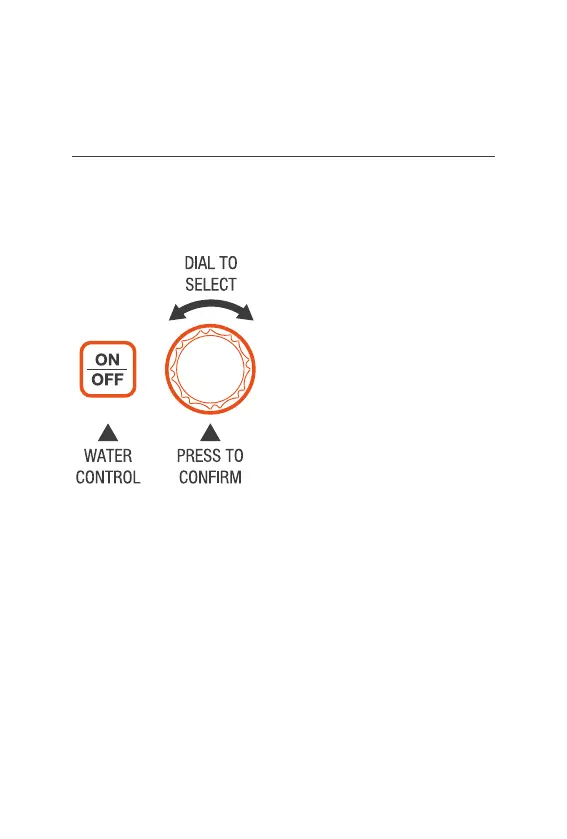
® Your QuikDial has a simple
and intuitive setup system
quickly completed in 5 steps
® Your QuikDial has up to
4START TIMES available
® RUN TIMES between
1–99 min per ZONE
® ZONES will water
sequentially starting from
the set START TIME
® 1 or all ZONES can be
included in each START,
for a total of up to 16
waterings (4 ZONES,
4times per day) to be set
® As an example, if you set a
START with a RUNTIME
of 60 min this will give a
total of 4 hours of watering
when all four ZONES are
included in the start
® For automatic watering,
you must ensure that the
CLOCK, START TIME,
RUNTIME, SETDAY
and ZONE have all
been set correctly
Setup (continued)



 To Next Page