storageoptions.com/support 31
3.4.3.3 App Functions
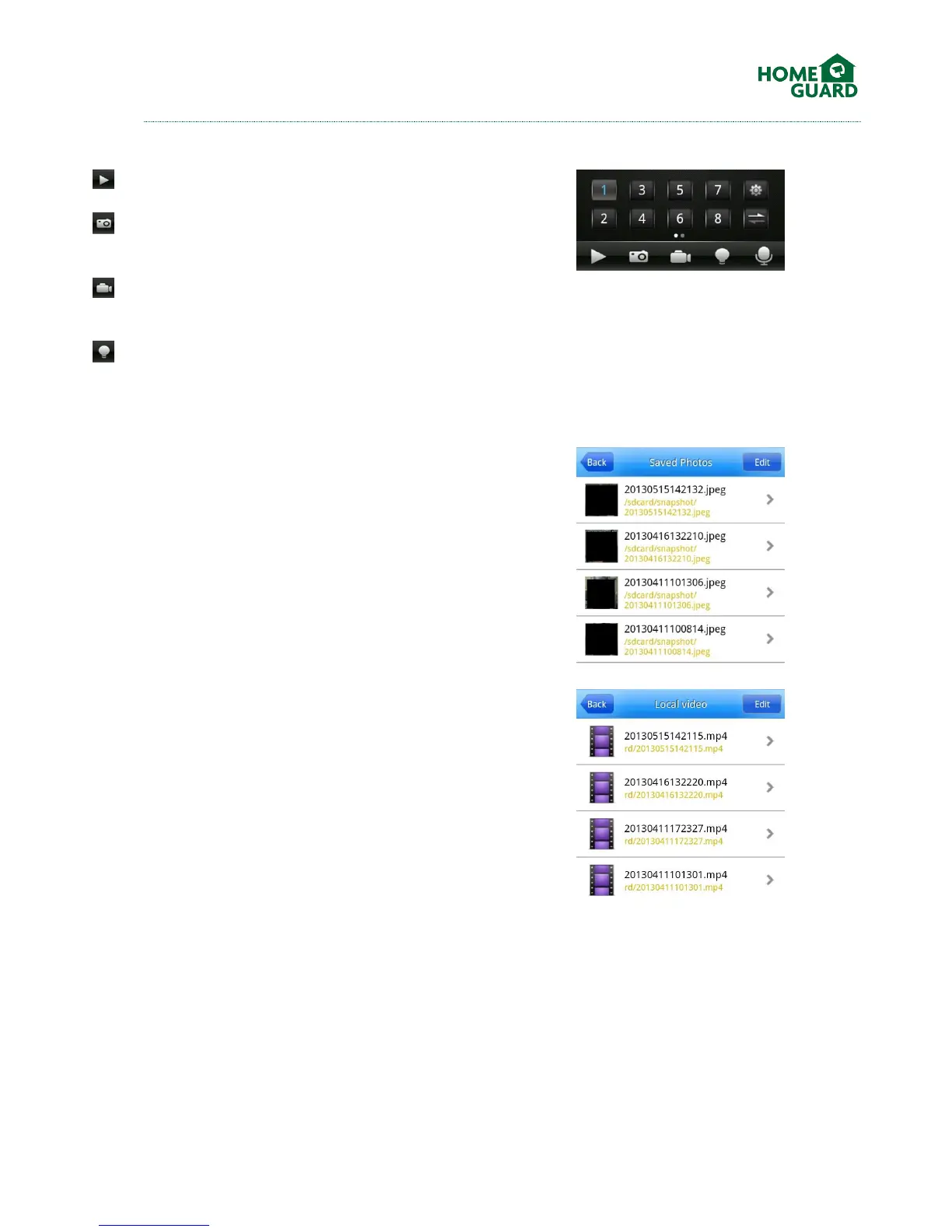
From the main viewing screen, the following options are available:
Start or Stop playback
Snapshot: take a snapshot of the selected screen.
This will be saved in your pictures or images folder.
Record: record the current channel as a video file
on your device.
Alarm: If an alarm is activated on your DVR, it will
be relayed to your phone. The Alarm icon will light up,
and an alarm sound will be played. You can amend
this in the Settings menu.
From the main menu, the following options are
available:
Saved Photos: review the snapshots obtained from
the app
Local Video: review the video files recorded from the
app


 To Next Page