ID2000 Series Operating Manual
Appendix 1
A1 - 3 997-434-000-4, Issue 4
May 2010
PANEL STATUS: FIRE
This is the condition when one or more input devices
has signalled a FIRE to the panel. This condition
continues to be shown until cleared by pressing the
RESET pushbutton.
The occurrence may have been ‘accepted’ at the panel
by pressing the ACCEPT pushbutton, if so the status is
still ‘FIRE’.
The SILENCE SOUNDERS pushbutton may have been
operated, if so the status is still ‘FIRE’.
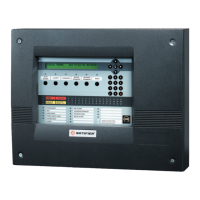
The panel indications and external equipment are as below:
LAMP indications:
POWER (green): ON
FIRE indication (red): if not accepted: FLASHING
if accepted: STEADY
(If a new alarm occurs, flashes again until accepted)
Numbered zone indication(s)
[for zone(s) where Fires have been detected - red]:
if not accepted: FLASHING
if accepted: STEADY
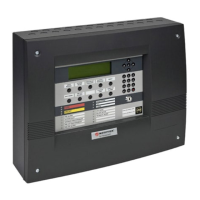
The LCD display is as shown below:
For approximately two minutes after an Alarm is
accepted, line 2 shows a scrollable message (use
and to scroll) giving full details about the occurrence:
‘**FIRE**’ (Device number) (zone) (type) (analogue
value at time of alarm) (location) (date & time of alarm)
plus indication as to whether any further alarms exist,
indicated by ‘MORE: PRESS
or ’.
Internal buzzers:
if not accepted:
Fire buzzer (high-pitched): Fast pulse, 0.5 sec
ON, 0.5 secs OFF
if accepted or buzzer silenced:
Fire buzzer muted: ON intermittently
3 x 0.5 sec pulses
0.5 secs apart,
followed by
10.5 secs OFF
Status: **FIRE** (date) (time)
(location) (device type)

 To Next Page
 Loading...