10 Removal of faults
Rotary actuators 135 • M140 • M150 • M180
26 Version 2.0 - June 2012 Operating instructions
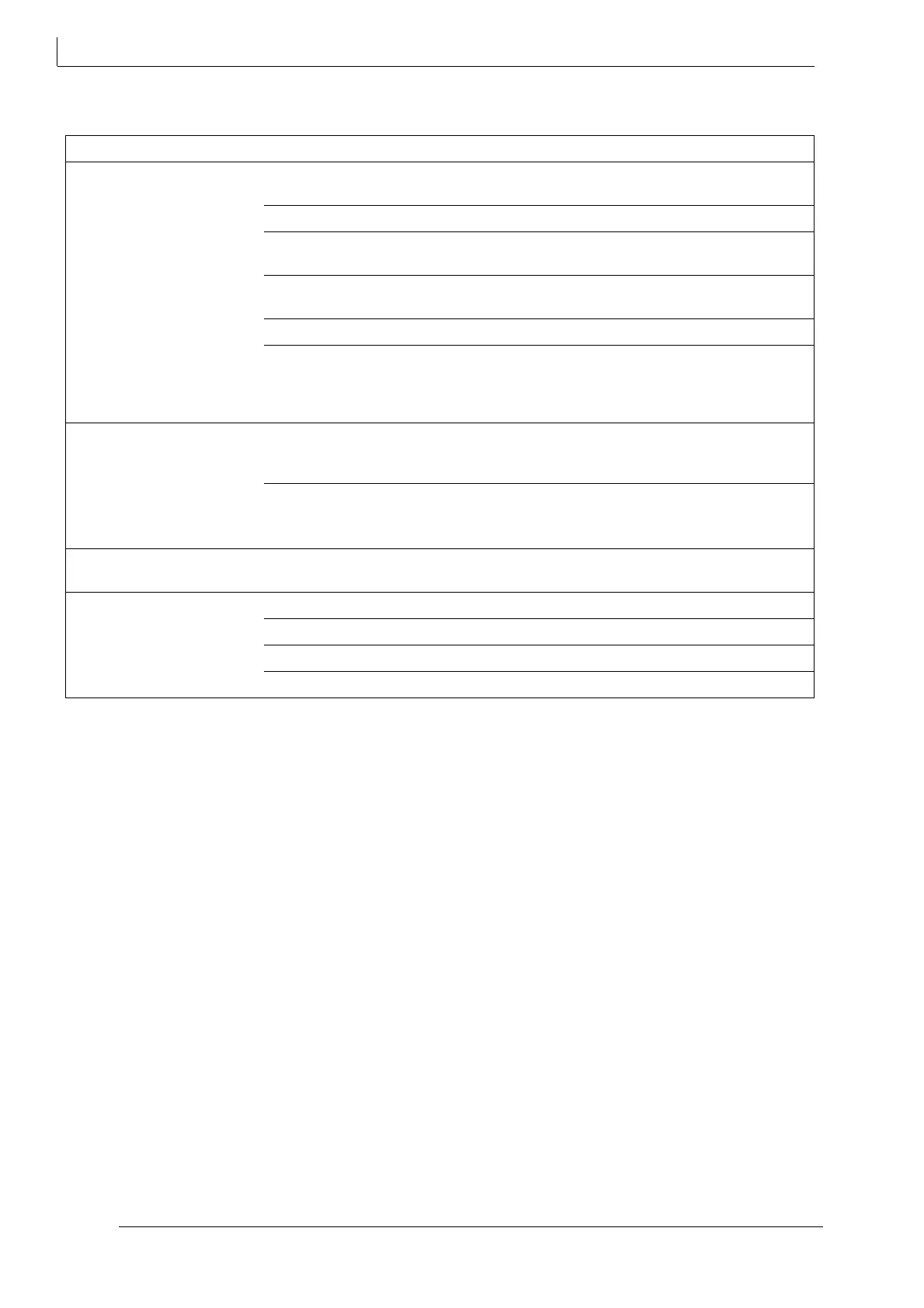
10.2 Check list for breakdown
Fault Cause Rectification
1. Rotary actuator is not
working.
Rotary knob is in MAN position instead of
AUTO
Turn rotary knob to AUTO position,
engage mechanism.
Power cut Determine cause and remedy.
Fuse defective (in control cabinet) Determine cause and remedy, replace
fuse.
Rotary actuator is connected incorrectly Set connection correctly according to
wiring diagram (in the cover).
Short circuit due to incorrect connection Correct setting for connection
Motor has winding damage (burnt-out)
• e.g. voltage too high
Determine cause, measure current data,
Compare to type plate and table,
Disassemble rotary actuator and send it
in for repair.
2. Rotary actuator running
unsteadily, i. e.veering
between clockwise and anti-
clockwise rotation.
Drop of voltage due to excessively long
connecting cables and / or insufficient
diameter.
Measure the current data on the rotary
actuator; if required, re-calculate and
replace connecting cables!
Public power supply fluctuations greater
than admissible tolerance
2.5 Technical data on page 9
Improve public power supply conditions
3. Rotary actuator temporarily
interrupted.
Slack contact in feeder line Check and tighten connections (terminal
strips)
4. Rotary actuator is not
moving to end positions.
Flap is not closing/opening.
End limit position switch incorrectly set Readjust limit position switch
Motor run capacitor defective Replace capacitor
Excessive system pressure Adjust system pressure
Foreign object in flap Remove foreign object and clean flap
table 3 Check list breakdown



 To Previous Page