14-8 Variables and memory management
Aplet variables Most aplet variables store values that are unique to a
particular aplet. These include symbolic expressions and
equations (see below), settings for the Plot and Numeric
views, and the results of some calculations such as roots
and intersections.
See the Reference Information chapter for more
information about aplet variables.
To access an aplet
variable
1. Open the aplet that contains the variable you want to
recall.
2. Press to display the VARS menu.
3. Use the arrow keys to select a variable category in
the left column, then press to access the variables
in the right column.
4. Use the arrow keys to select a variable in the right
column.
5. To copy the name of the variable onto the edit line,
press . ( is the default setting.)
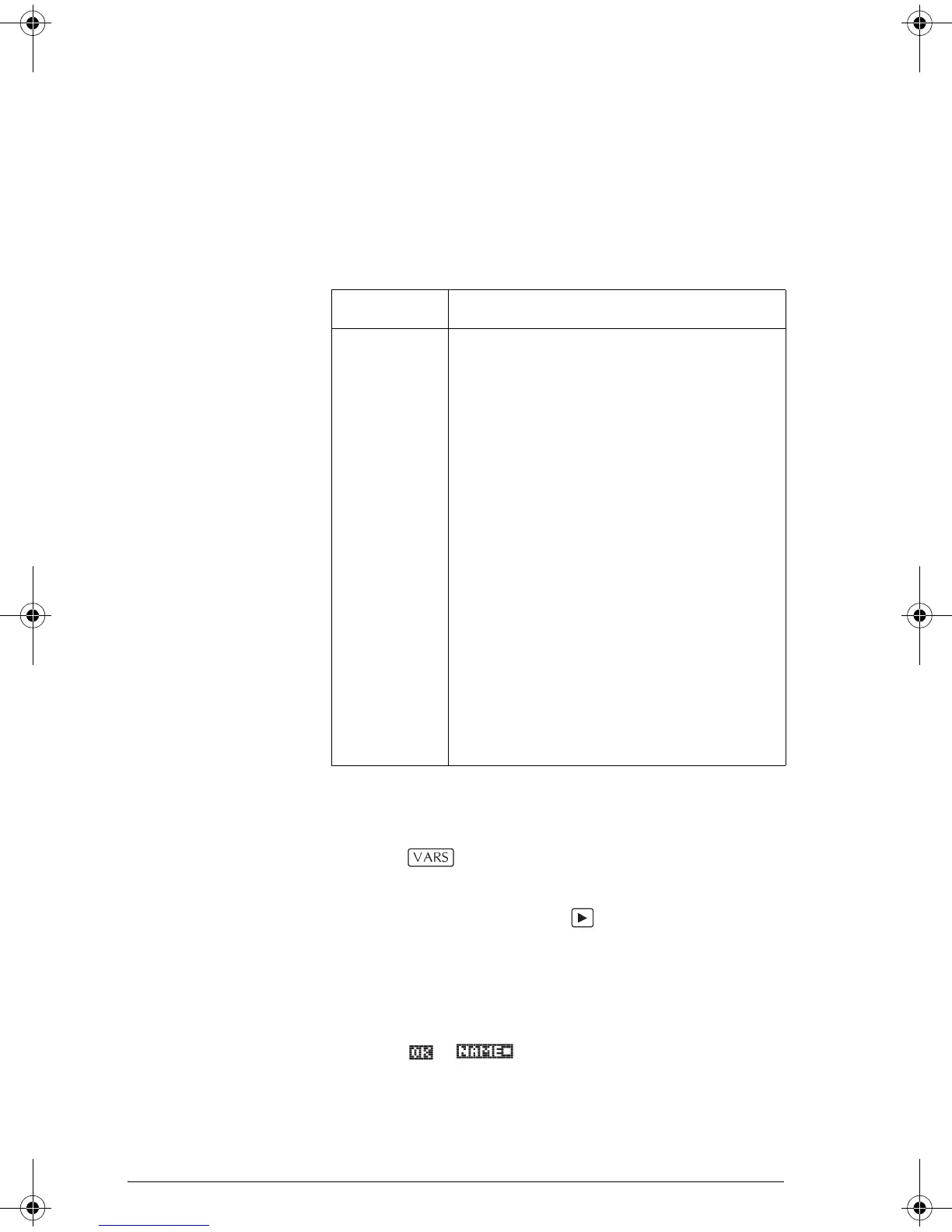
Category Available names
Function F0 to F9 (Symbolic view). See “Function
aplet variables” on page R-7.
Parametric X0, Y0 to X9, Y9 (Symbolic view). See
“Parametric aplet variables” on page
R-8.
Polar R0 to R9 (Symbolic view). See “Polar
aplet variables” on page R-9.
Sequence U0 to U9 (Symbolic view). See
“Sequence aplet variables” on page
R-10.
Solve E0 to E9 (Symbolic view). See “Solve
aplet variables” on page R-11.
Statistics C0 to C9 (Numeric view). See
“Statistics aplet variables” on page
R-12.
HP 39gs English.book Page 8 Wednesday, December 7, 2005 11:24 PM




 To Next Page