4
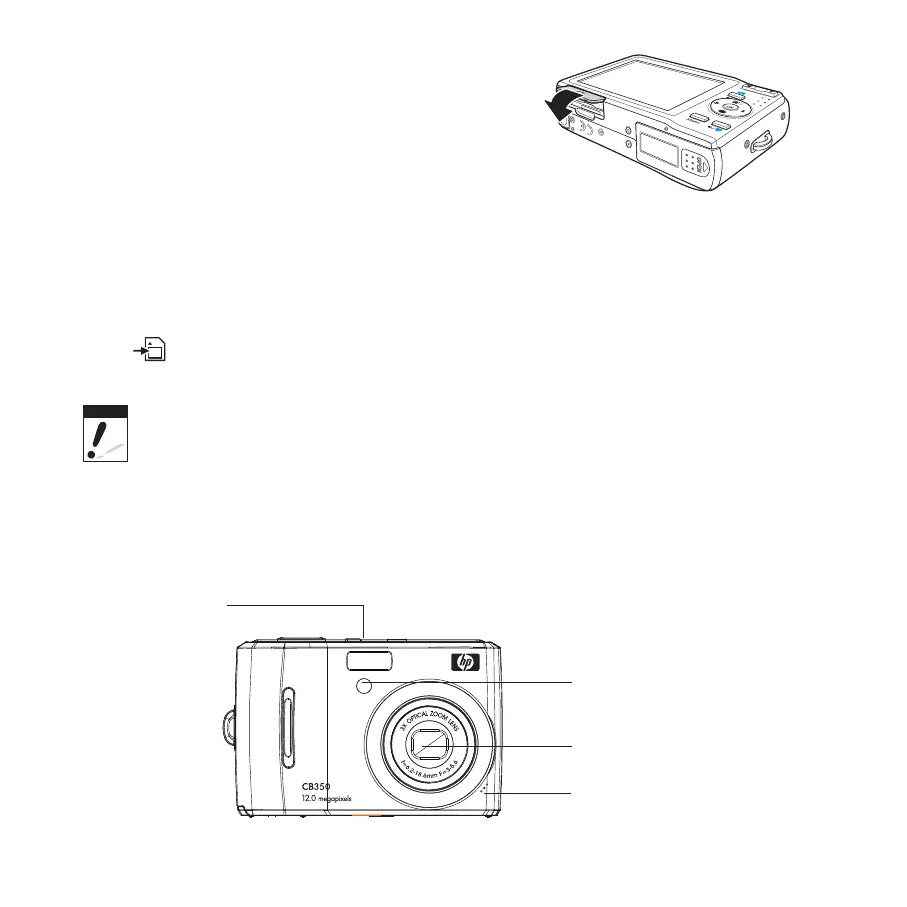
Open the battery compartment.1.
Gently push the card until it clicks and pops 2.
out.
Pull out the card carefully.3.
Camera Memory
Your camera supports SD cards of up to 4GB in size. It also supports SDHC cards with a
maximum capacity of 32GB. If there is a storage card inserted in the memory slot, the
camera automatically saves all images, videos and audio clips in the external storage card.
The
icon indicates the camera is using SD card.
Not all cards may be compatible with your camera. When purchasing additional cards, please
check the card specifi cations. You can ensure optimal compatibility by purchasing HP brand SD
cards.
Camera Views
Front View
Flash
Self-Timer LED /
AF Assist Lamp
Zoom Lens
Microphone









 To Next Page