51
Zooming images
The zoom view function works with still images only.
In medium view, press the • T button repeatedly until the desired zoom view.
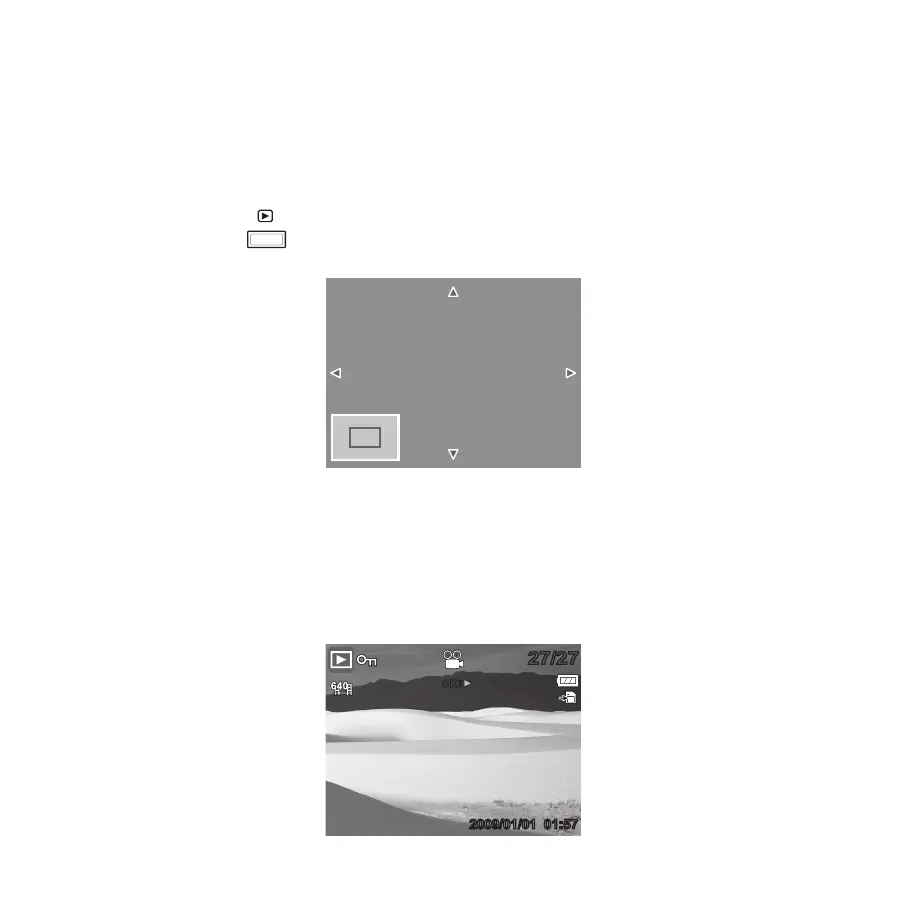
The 4 arrows on the LCD monitor indicate that the image is zoomed in.•
Press the • Play
button to close zoom view.
Playing Videos
Set the camera to Playback mode.1.
Use the navigation controls to scroll through the saved images.2.
27/2727/27
2009/01/01 01:572009/01/01 01:57
OK









 To Next Page