58
Remove Red Eyes
The function is used to reduce red eye in captured
images. This function is only available for still images.
It can be applied to an image several times, but the
quality may gradually deteriorate.
Set the camera to Playback mode.1.
Press the 2.
or key to scroll and select an
image.
Press the MENU button to launch the Playback 3.
menu.
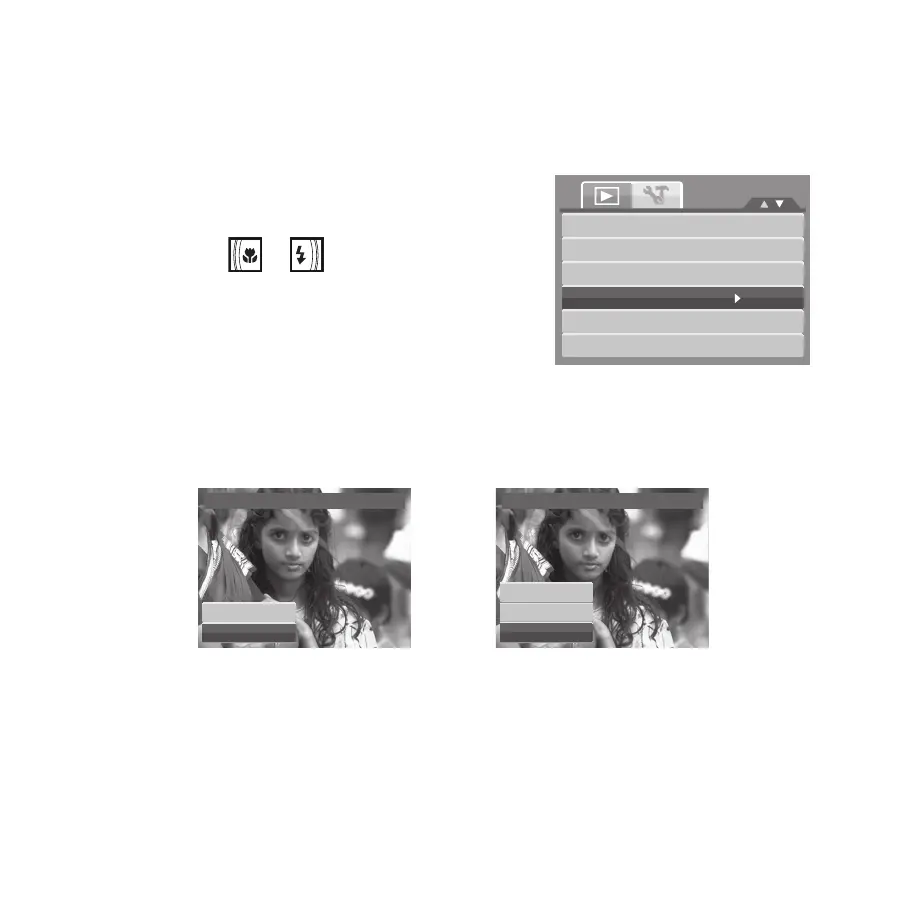
Select 4. Remove Red Eyes.
Select 5. Start.
Press the 6. OK button to start correction.
View Slideshow
Delete
Protect
Remove Red Eyes
Voice Memo
Modify Color
Remove Red Eyes
Start
Cancel
Remove Red Eyes
Overwrite
Save changes
Cancel
Steps 5 and 6
Step 7
After completing Remove Red Eyes, a menu selection appears. Select whether to:7.
• Overwrite. Save and replace the old fi le with the new one.
• Save Changes. Save the new fi le as a new one.
• Cancel. Cancel Remove Red Eyes.
Press the 8. OK button to save/cancel changes.









 To Next Page