46
Shooting Mode
Self-Timer/Burst
AEB
AF Area
AF Lamp
Sharpness
OFF
OFF
OFF
0:00:16
When the maximum capacity for a single video has been reached, simple press the shutter •
button again to continue recording.
The camera will automatically stop recording when the memory capacity is full.•
Digital zoom is not available in video recording.•
Sound cannot be recorded while pressing the • control.
Auto Power Off is not available in • video recording or pause recording.
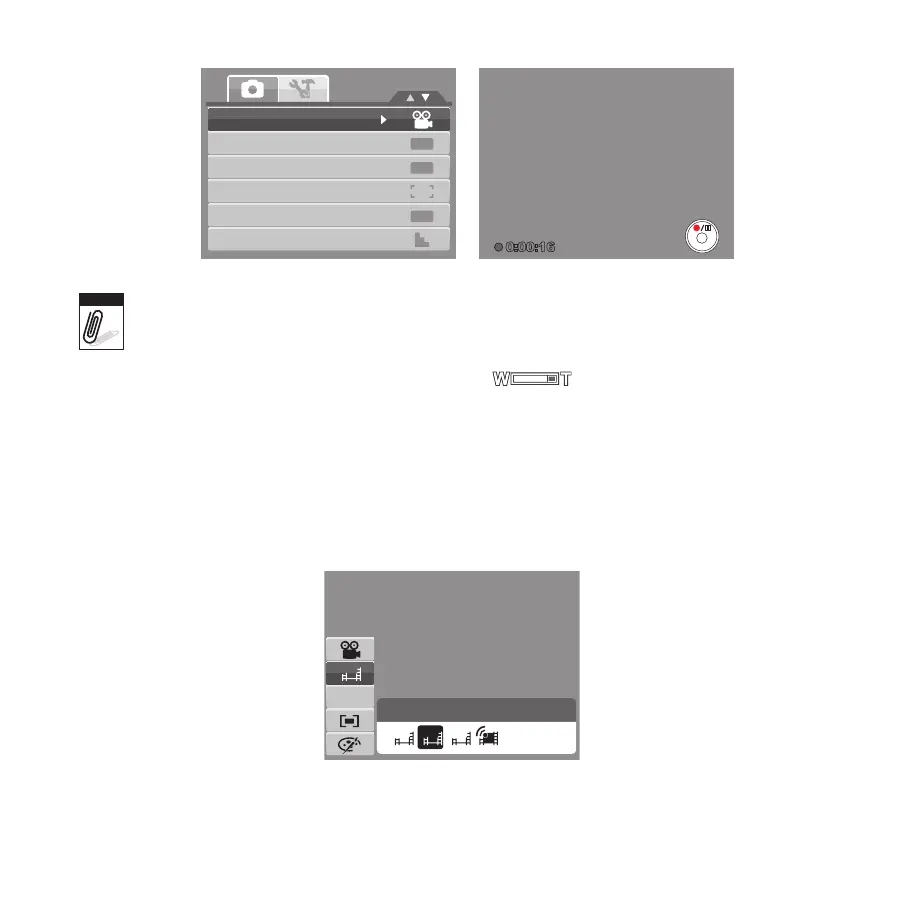
Setting the Video Quality
The Video Quality function icon appears only in Video Mode. Use this function to adjust the
resolution and quality of video clips.









 To Next Page