57
To delete a photo/video/audio clip:
From the Playback menu, select 1. Delete.
The Delete submenu is displayed on the LCD 2.
monitor. Select available settings:
• This image. Select one fi le to delete.
• Voice Memo Only. Delete only the attached
voice memo, the image is retained in the
memory.
• Multi-Images. Select multiple fi les to delete at
the same time.
• All. Delete all fi les.
Protect
The Protect function lets you lock a photo or video to protect it from being modifi ed or
accidentally erased. A protected fi le has a lock icon when viewed on Playback mode.
To protect fi les:
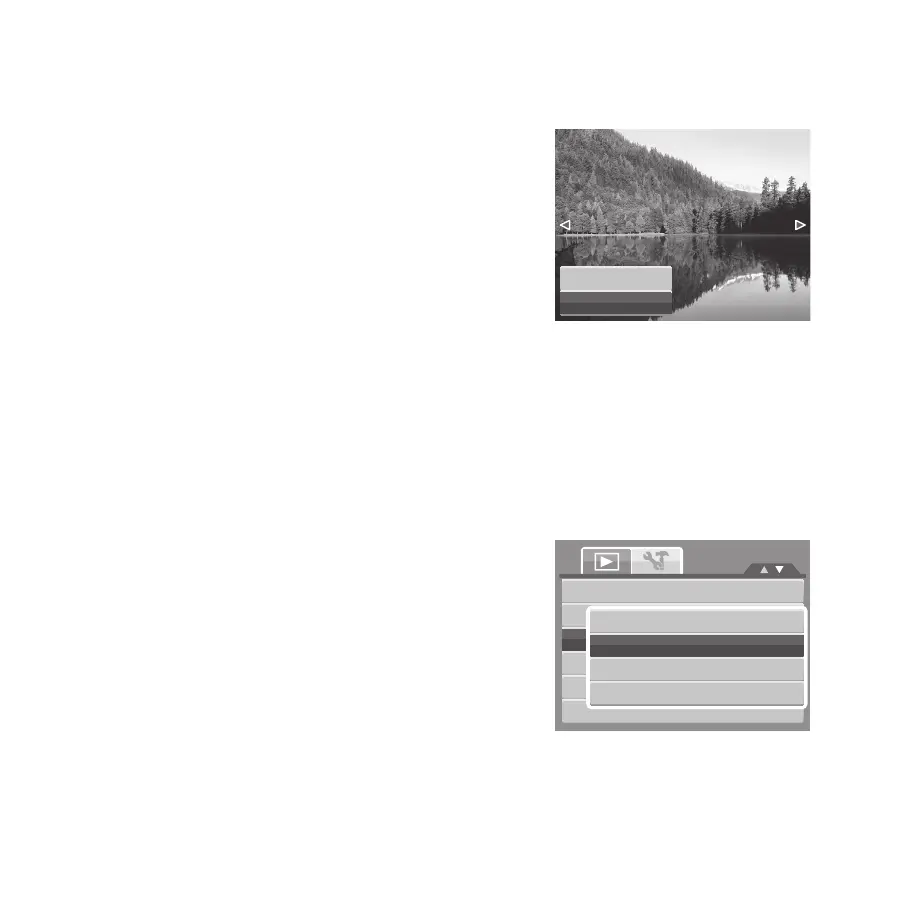
From the Playback menu, select 1. Protect.
The Protect submenu is displayed on the LCD 2.
monitor.
Select available settings:
• This image. Select one fi le to lock.
• Multi-Images. Select multiple fi les from the
thumbnail view to lock.
• Lock All. Lock all fi les
• Unlock All. Unlock all fi les.
View Slideshow
Delete
Protect
Red-eye Correction
Voice Memo
Modify Color
This image
Multi-Images
Lock All
Unlock All









 To Next Page