54
Press the 3. key to play the voice recording.
During playback, use the 4.
to control
volume. Press the T button to increase volume.
Press the W button to decrease volume.
Press the 5.
key to pause playback. Press the
key again to resume. When paused, the
play info will remain on screen except
.
Press the 6.
key to stop the playback. The
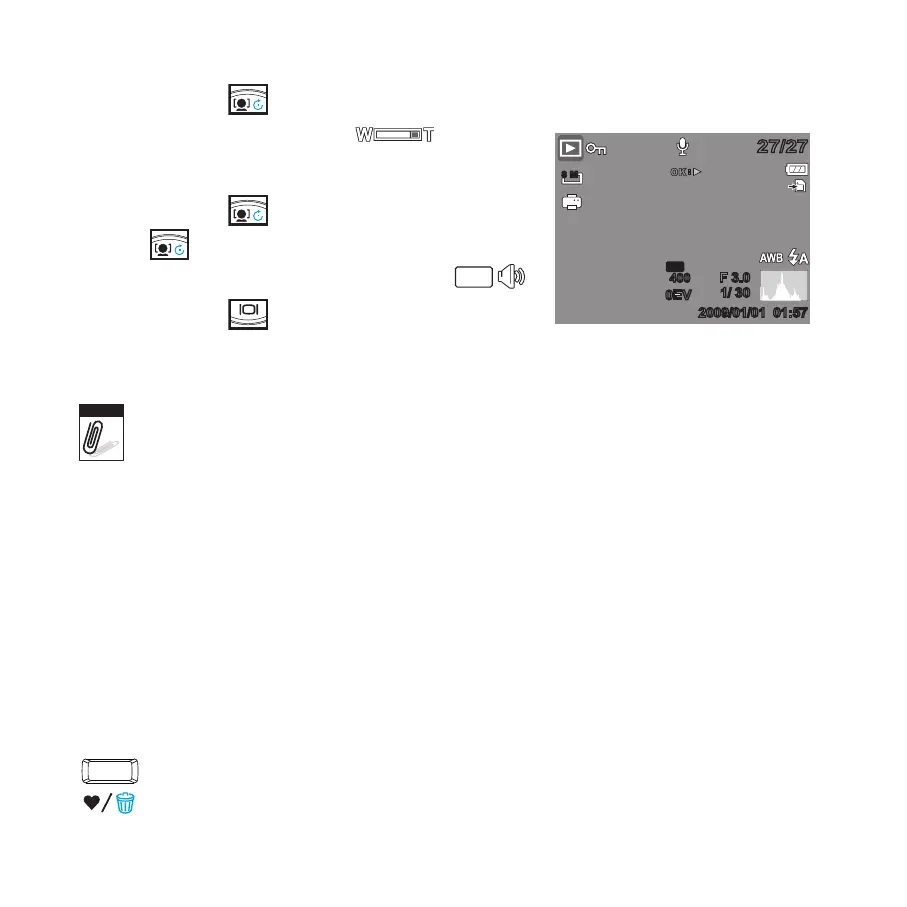
LCD monitor displays the image in Single
navigation mode.
1/ 301/ 30
F 3.0
F 3.0
0EV
0EV
OK
8 M
ISO
400
27/2727/27
2009/01/01 01:572009/01/01 01:57
Volume cannot be adjusted when you pause the voice memo.
Deleting an Image/Video/Audio
There are two ways to delete an image/video/audio:
Using the • Delete button, or
Using Playback Menu Delete settings.•
Using the Delete Button
Use the Delete button on your camera to delete or mark an image/video/audio
clip for deletion.









 To Next Page