21
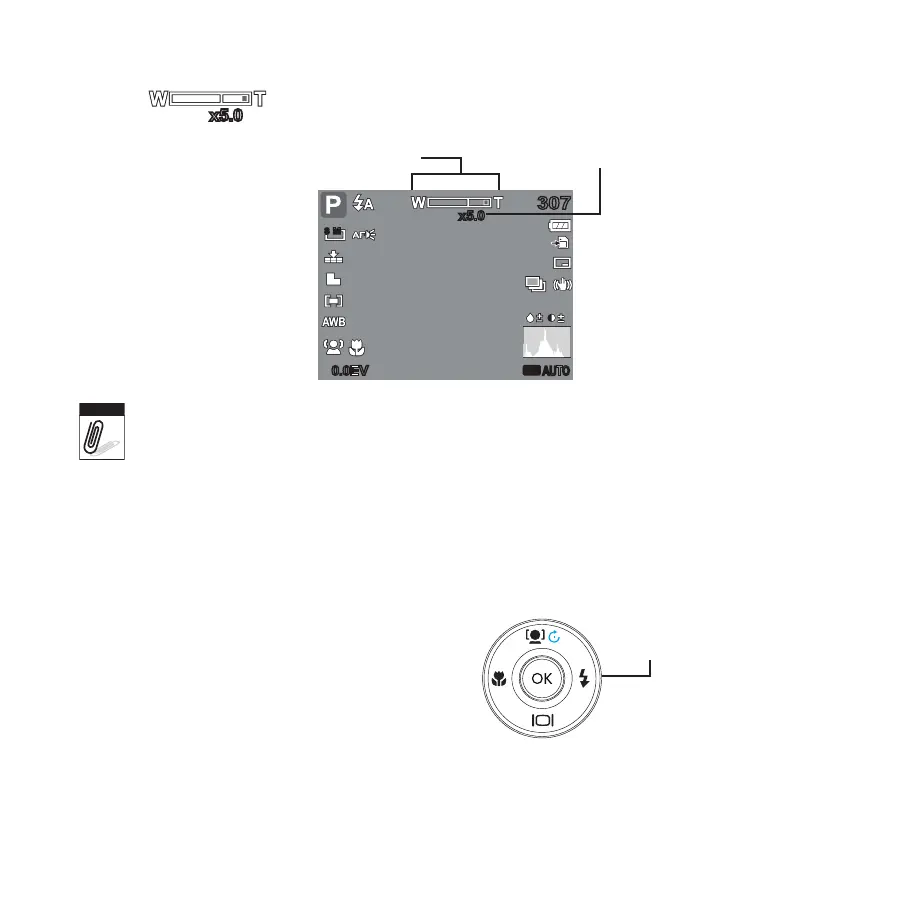
Press the 4. T button again to switch to digital zoom automatically. Zooming continues.
307307
x5.0x5.0
ISO
AUTO
0.0EV0.0EV
8 M
Optical zoom
Digital zoom
Digital zoom is not activated in recording video.
Using Flash
When taking pictures in diffi cult lighting conditions, use the Flash button to get correct
exposure. This function cannot be activated in recording video or continuous shooting.
To activate Flash:
Press the • Flash/Right button on your
camera repeatedly until your desired fl ash
mode is displayed on the LCD monitor.
Your camera is equipped with fi ve fl ash
modes:









 To Next Page