17
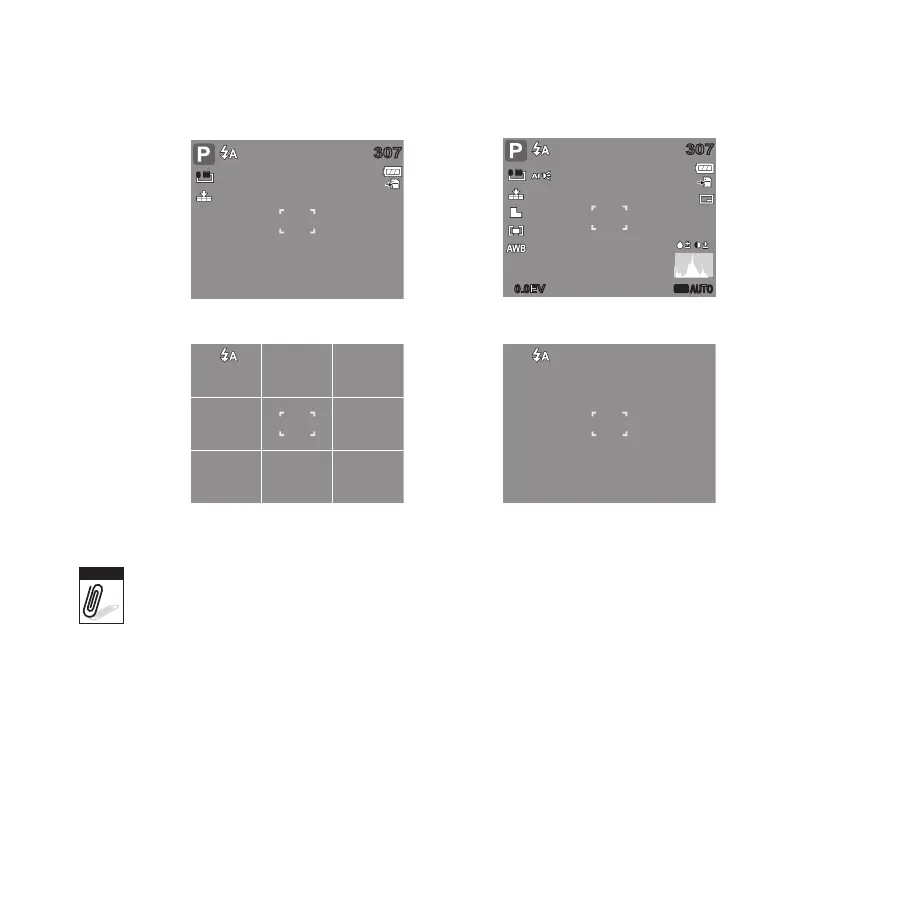
Changing the LCD Monitor Display
The type of information displayed on the LCD screen can be changed using the button.
307307
8 M
307307
0.0EV0.0EV
8 M
ISO
AUTO
OSD on
Guide lines on
Full OSD on
OSD off
The OSD information may vary depending on the shooting mode type.•
The following icons, if enabled, are still displayed on the LCD even when OSD off or Guide •
lines on: AEB, Face tracking, AF lamp, Self-Timer/Burst, and Macro.
Use the “Guide lines” to properly set image for capture.•









 To Next Page