13
Note:
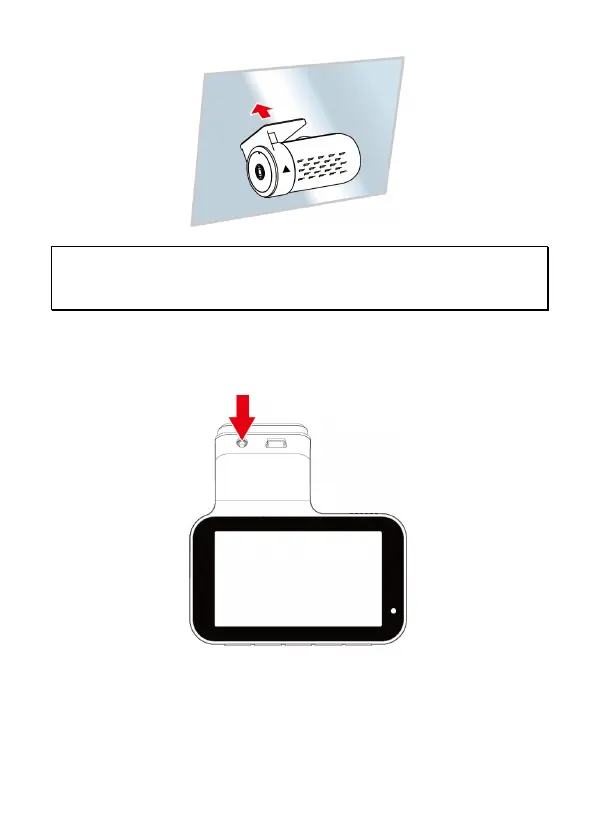
1. Do not install the device on a tinted window. Doing so may damage the tint film.
2. This product is suitable for light windshield or light color heat-resistant film windows, it will affect
video quality if install it on the dark windows or dark heat-resistant film windows.
2.4 Connect Front and Rear Camera
Use the rear camera cable to connect with front camera and rear camera.
1.
Plug phone jack into front camera’s A/V port. (Front camera is power-
off.)
2.
Plug the other end of phone jack to rear camera’s earphone port.



 To Next Page