32
4.3.2 Playback, delete, download
You can use this feature to playback or delete the file saved in camcorder,
or to download the file from camcorder to your mobile device.
1. Tap the icon [Camera File], the camcorder will stop recording.
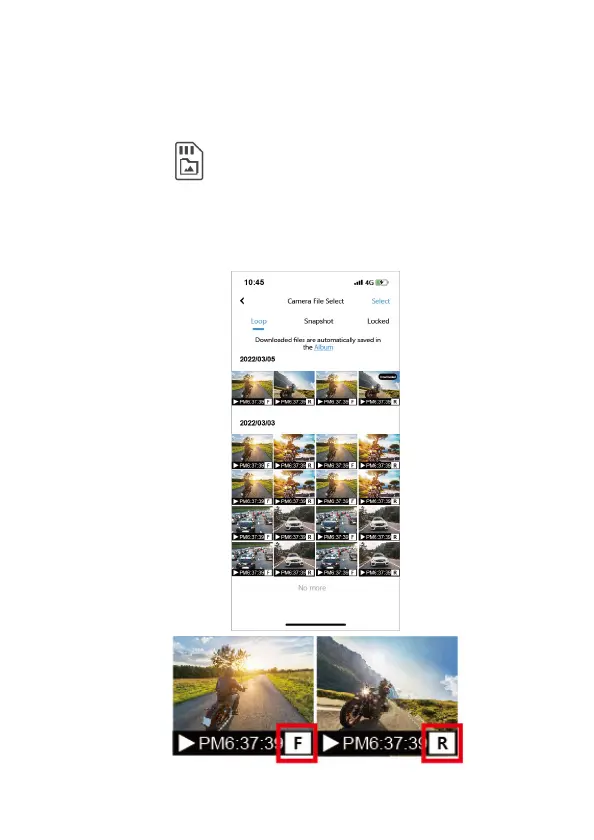
2. The files saved in the camcorder will be displayed on your smart
phone. There are Loop and Locked two folders. The thumbnail
image corner will show F or R, which means shooting by front cam
or rear cam. Tap the image and it will start to playback.



 To Next Page