33
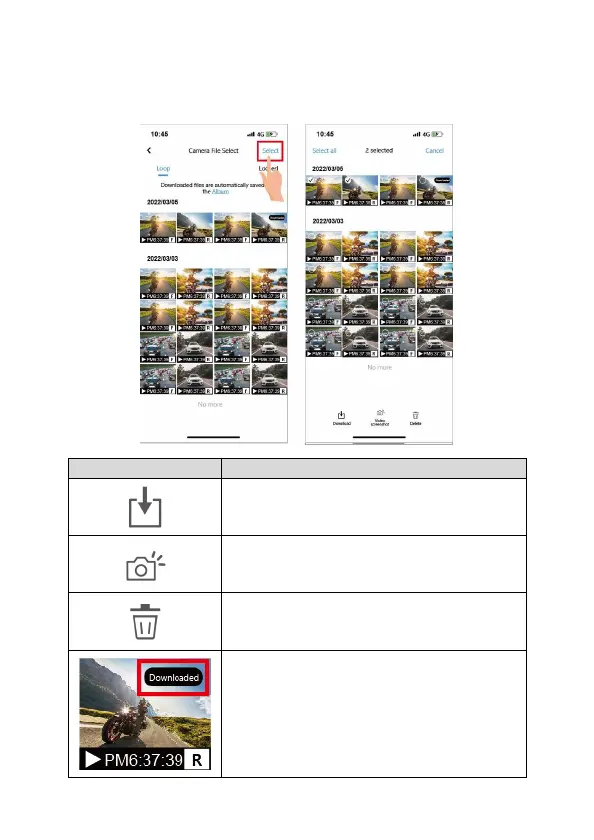
3. Tap the right top corner “Select” and pick up the files that you want
to delete or download, and tap the icon in the screen bottom to
execute.
Download the file to “Local Album”. The
downloaded file can be playback without
connecting with the camcorder.
Video Screenshot.
Delete the file in microSD card.
Downloaded file will show
“Downloaded” in thumbnail image.



 To Next Page