19
7
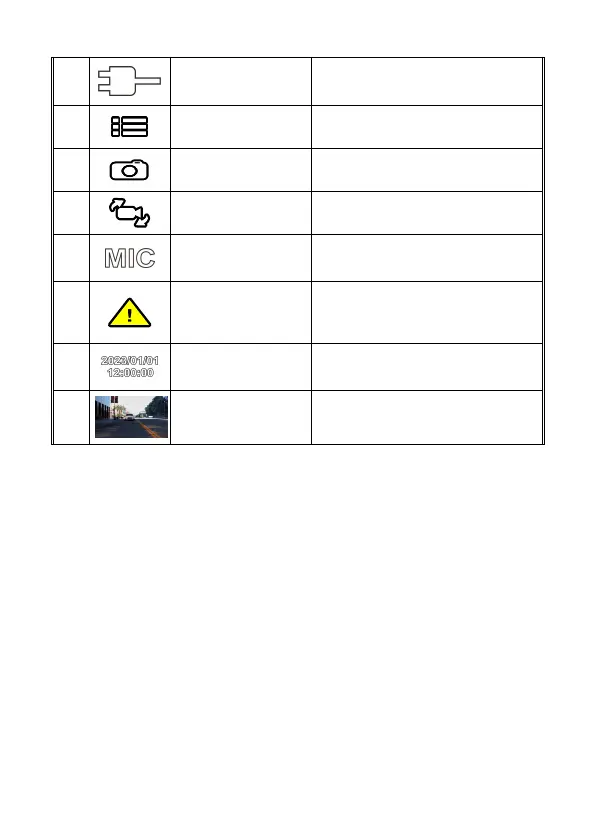
Power icon
Indicates camcorder is connected with
power.
8
Menu
Tap this icon or press button to enter
the OSD menu.
9
Capture
Tap this icon or press button to
capture video screen shot.
10
Switch Camera
Tap this icon or press button to
switch front or rear camera screen.
11
Voice Record
Tap this icon or press button to turn
on or off voice record.
12
Emergency
Recording
Tap this icon or press button to
manually activate emergency
recording.
13
Date / Time
Indicates the current recording date
and time.
14
VIV (Video in Video)
Indicates rear camera recording
screen.



 To Next Page