42
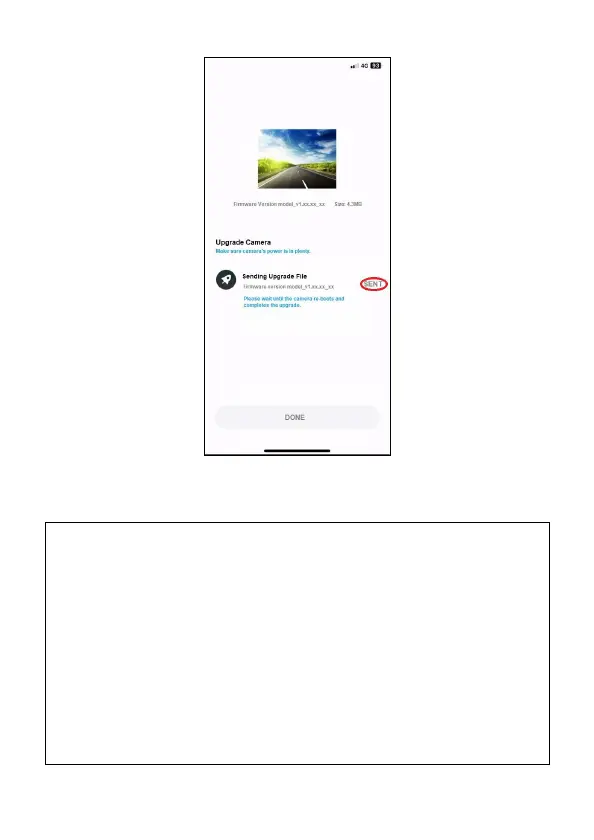
4. Manually power on the camcorder, and it will work in the latest
firmware.
NOTE:
1. If tap “Remind me later”, the app notification will pop up every time when the
camcorder is connected.
2.When the smart phone’s Wi-Fi is occupied by the camcorder, iOS system will auto switch
to cellular data, and the network is still useable; but, Android system won’t. Please
attention the following notices to upgrade new firmware.
(1)iPhone User: Because the smart phone’s Wi-Fi is connected with the camcorder,
iPhone will use cellular data to download the new firmware. If you don’t want to use
cellular data to download, cut off the smart phone’s Wi-Fi connection with camcorder
firstly, then connect with local area network. Then, open the app once again and tap
“Upgrade Now” to download new firmware to smart phone.
(2)Android User: Because the smart phone’s Wi-Fi is connected with the camcorder,
Android phone has no network to download the file. Please cut off smart phone’s Wi-Fi
connection with the camcorder firstly, and connect with local area network. Or, turn off
the Wi-Fi, and use cellular data. Then, open the app once again and tap “Upgrade Now”
to download new firmware to smart phone.



 To Next Page