180 User Guide Integrated Lights-Out
• DNS Name
Time Restrictions
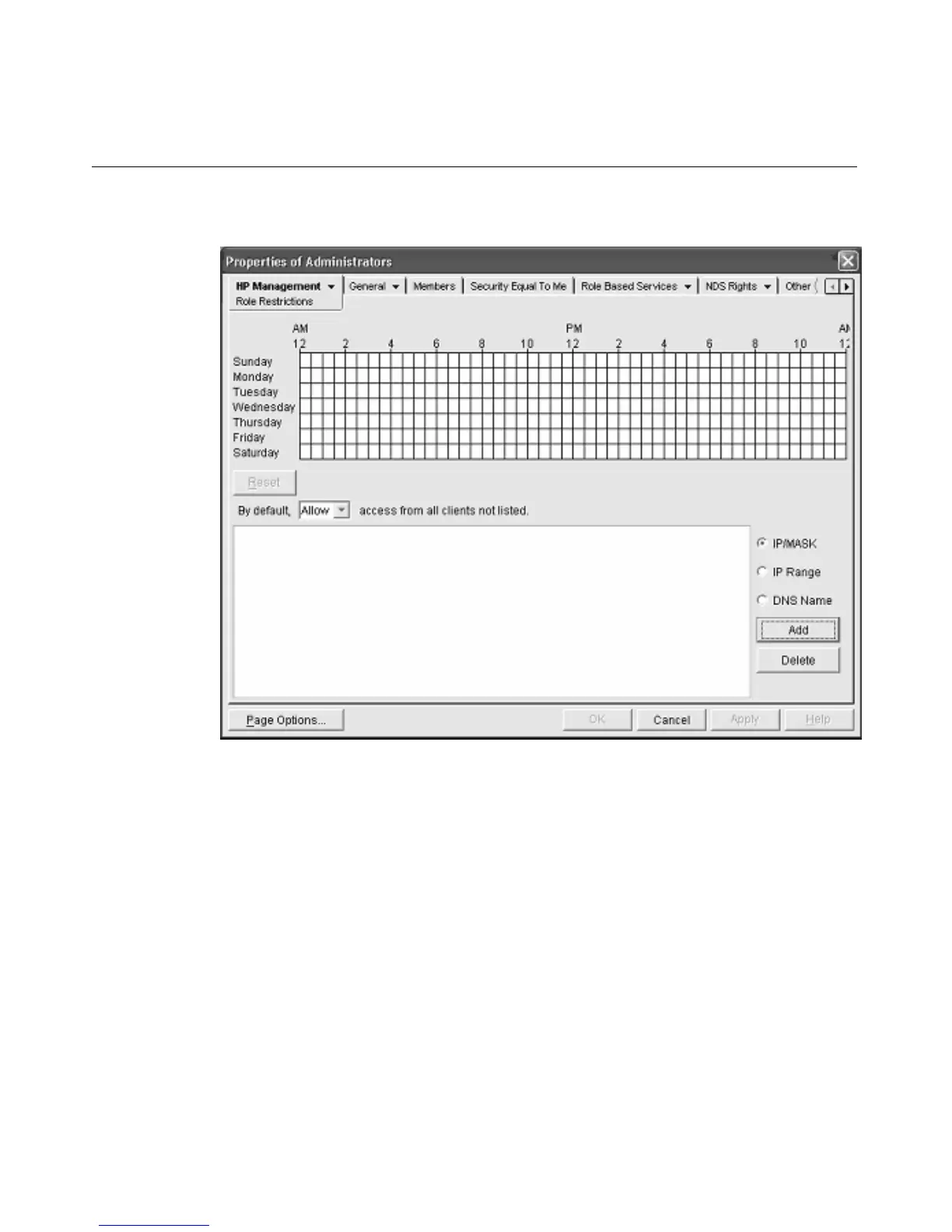
You can manage the hours available for logon by members of the role by using
the time grid displayed in the Role Restrictions subtab. You can select the times
available for logon for each day of the week in half-hour increments. You can
change a single square by clicking it, or a section of squares by clicking and
holding the mouse button, dragging the cursor across the squares to be changed,
and releasing the mouse button. The default setting is to allow access at all times.
Enforced Client IP Address or DNS Name Access
Access can be granted or denied to an IP address, IP address range, or DNS
names.








 To Next Page