Using iLO 93
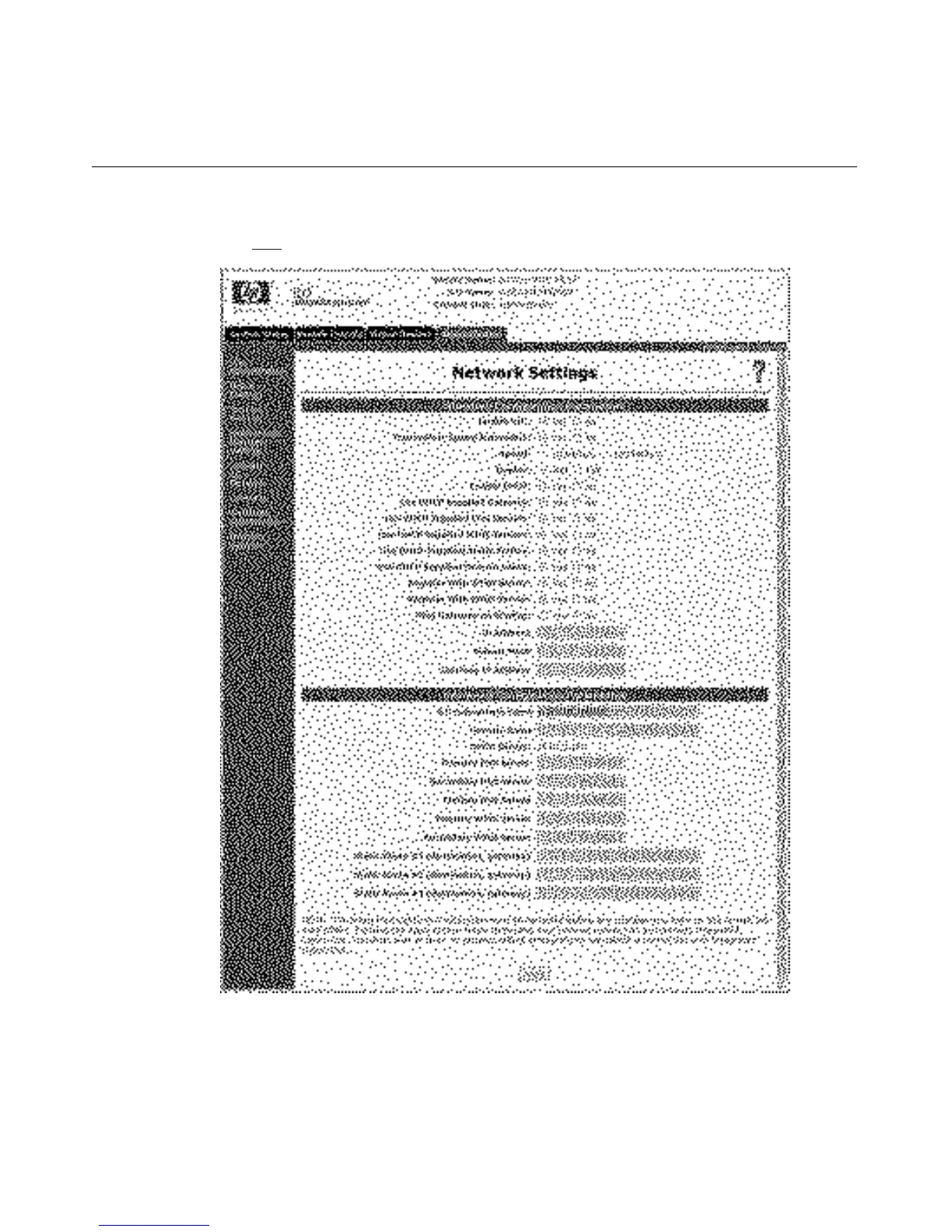
4. After completing any parameter ("Network Settings Parameters" on page
343
) changes, click Apply to complete the changes.
When you click Apply, iLO restarts, and the connection of your browser to iLO
terminates. To re-establish a connection, wait 60 seconds before launching
another Web browser session and logging in.








 To Next Page