hp fax 1020 series
20
Dialing with One-Touch buttons
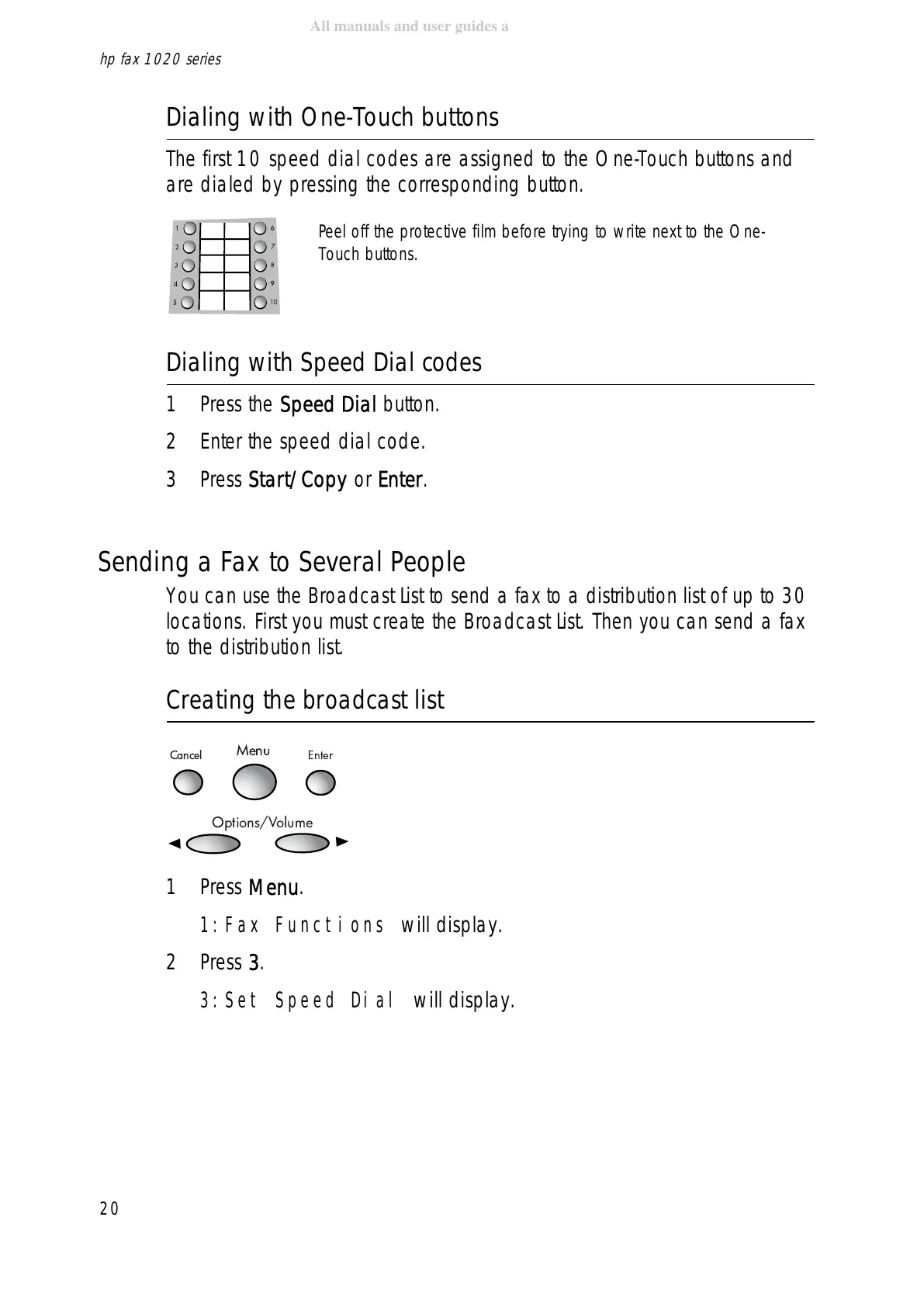
The first 10 speed dial codes are assigned to the One-Touch buttons and
are dialed by pressing the corresponding button.
Dialing with Speed Dial codes
1Press the Speed Dial button.
2 Enter the speed dial code.
3Press Start/Copy or Enter.
Sending a Fax to Several People
You can use the Broadcast List to send a fax to a distribution list of up to 30
locations. First you must create the Broadcast List. Then you can send a fax
to the distribution list.
Creating the broadcast list
1Press Menu.
1:Fax Functions will display.
2Press 3.
3:Set Speed Dial will display.
Cancel
Menu
Enter
Options/Volume
Peel off the protective film before trying to write next to the One-
Touch buttons.



 To Next Page
 Loading...







