Telephone Functions
59
Handset and speaker volume
Note:
In Europe, you can only adjust the volume for the speaker, not the
handset.
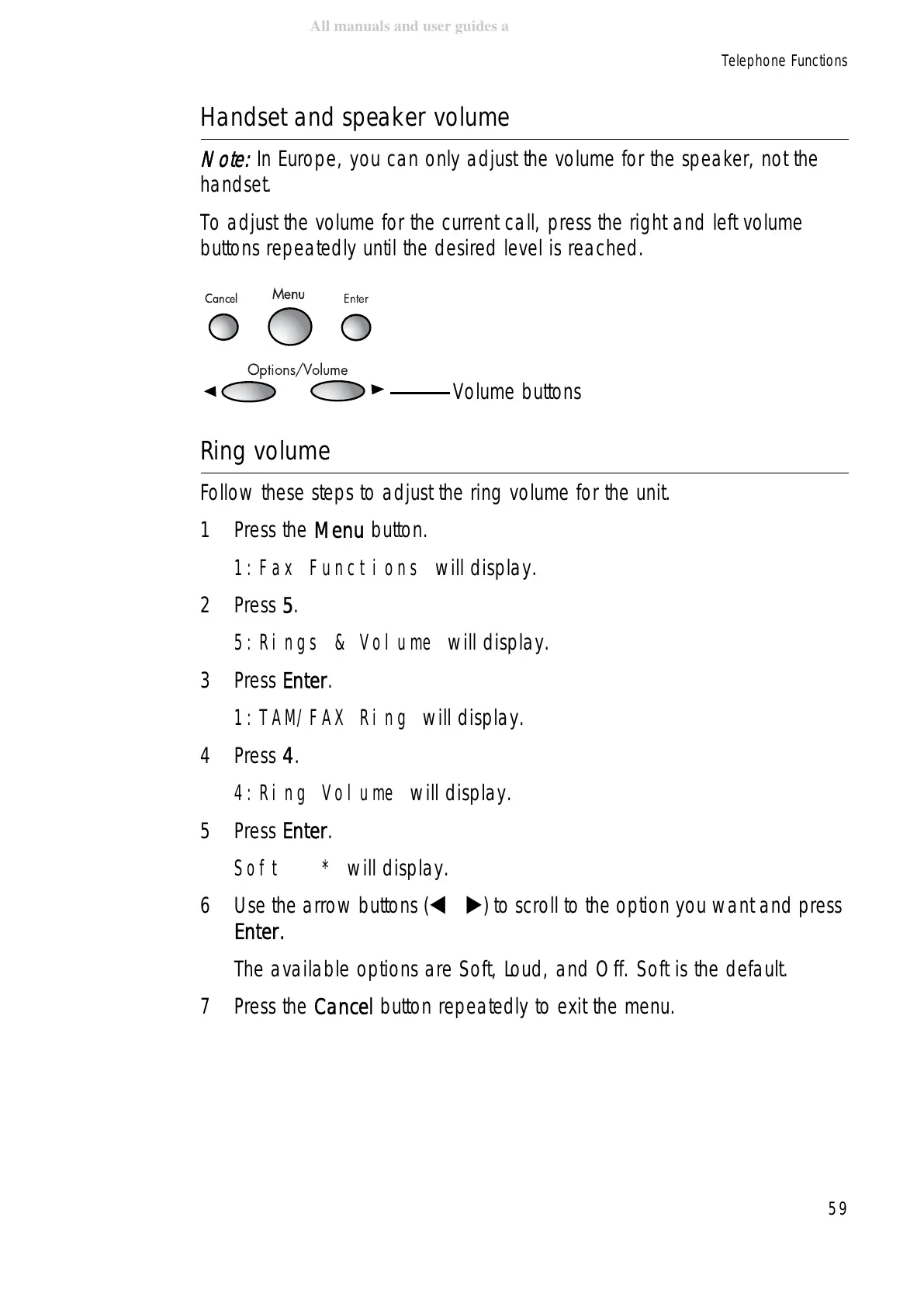
To adjust the volume for the current call, press the right and left volume
buttons repeatedly until the desired level is reached.
Ring volume
Follow these steps to adjust the ring volume for the unit.
1Press the Menu button.
1:Fax Functions will display.
2Press 5.
5:Rings & Volume will display.
3Press Enter.
1:TAM/FAX Ring will display.
4Press 4.
4:Ring Volume will display.
5Press Enter.
Soft * will display.
6 Use the arrow buttons ( ) to scroll to the option you want and press
Enter.
The available options are Soft, Loud, and Off. Soft is the default.
7Press the Cancel button repeatedly to exit the menu.
Cancel
Menu
Enter
Options/Volume
Volume buttons



 To Next Page
 Loading...







