Maintenance and Troubleshooting
63
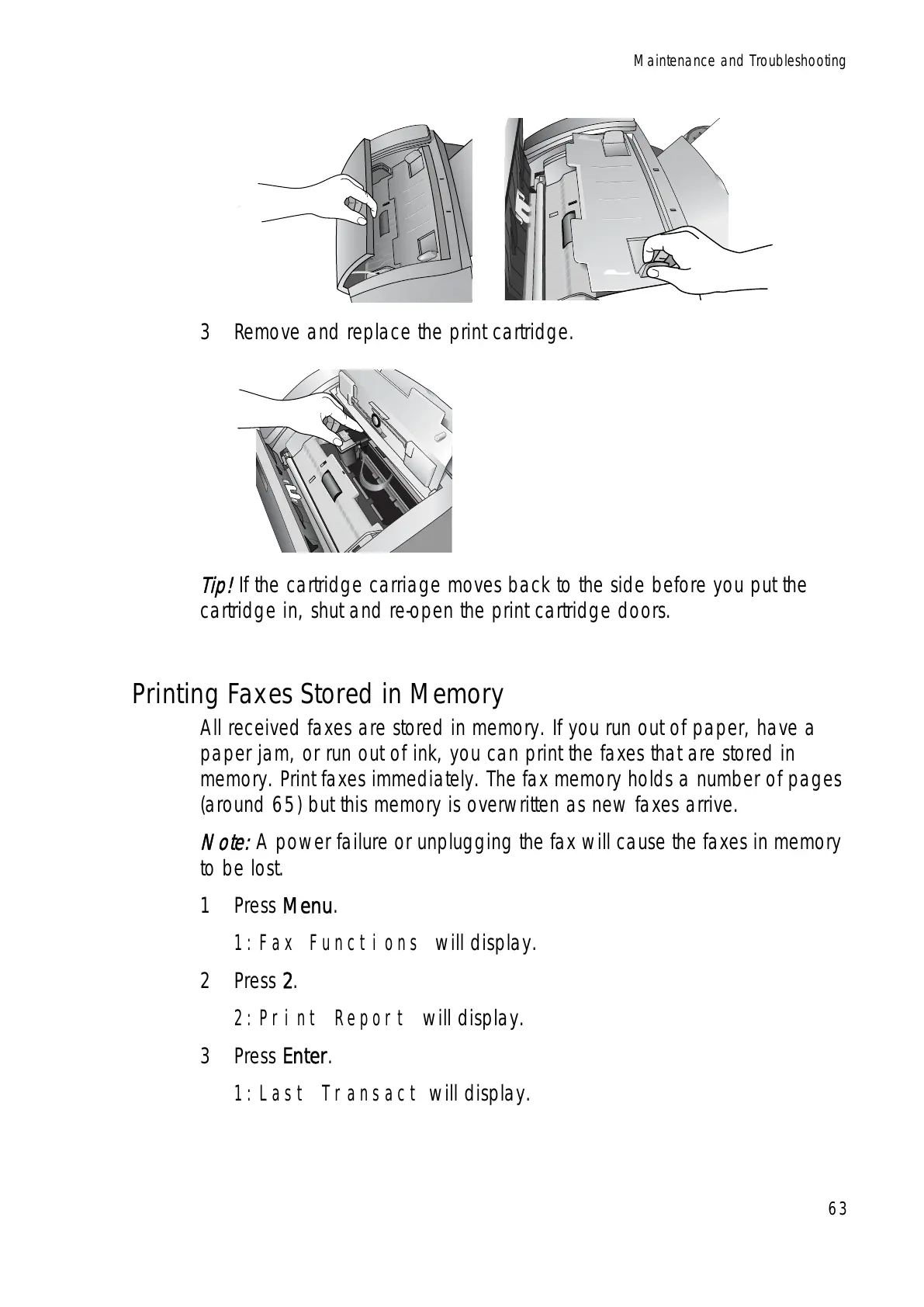
3 Remove and replace the print cartridge.
Tip!
If the cartridge carriage moves back to the side before you put the
cartridge in, shut and re-open the print cartridge doors.
Printing Faxes Stored in Memory
All received faxes are stored in memory. If you run out of paper, have a
paper jam, or run out of ink, you can print the faxes that are stored in
memory. Print faxes immediately. The fax memory holds a number of pages
(around 65) but this memory is overwritten as new faxes arrive.
Note:
A power failure or unplugging the fax will cause the faxes in memory
to be lost.
1Press Menu.
1:Fax Functions will display.
2Press 2.
2:Print Report will display.
3Press Enter.
1:Last Transact will display.



 To Next Page
 Loading...







