Answering Machine
29
Changing the Length of Messages
You can change the time available for incoming messages from the default
of 60 seconds to 30, 90, or 120 seconds.
The message length will be automatically adjusted for shorter messages.
Messages longer than the setting will be cut off.
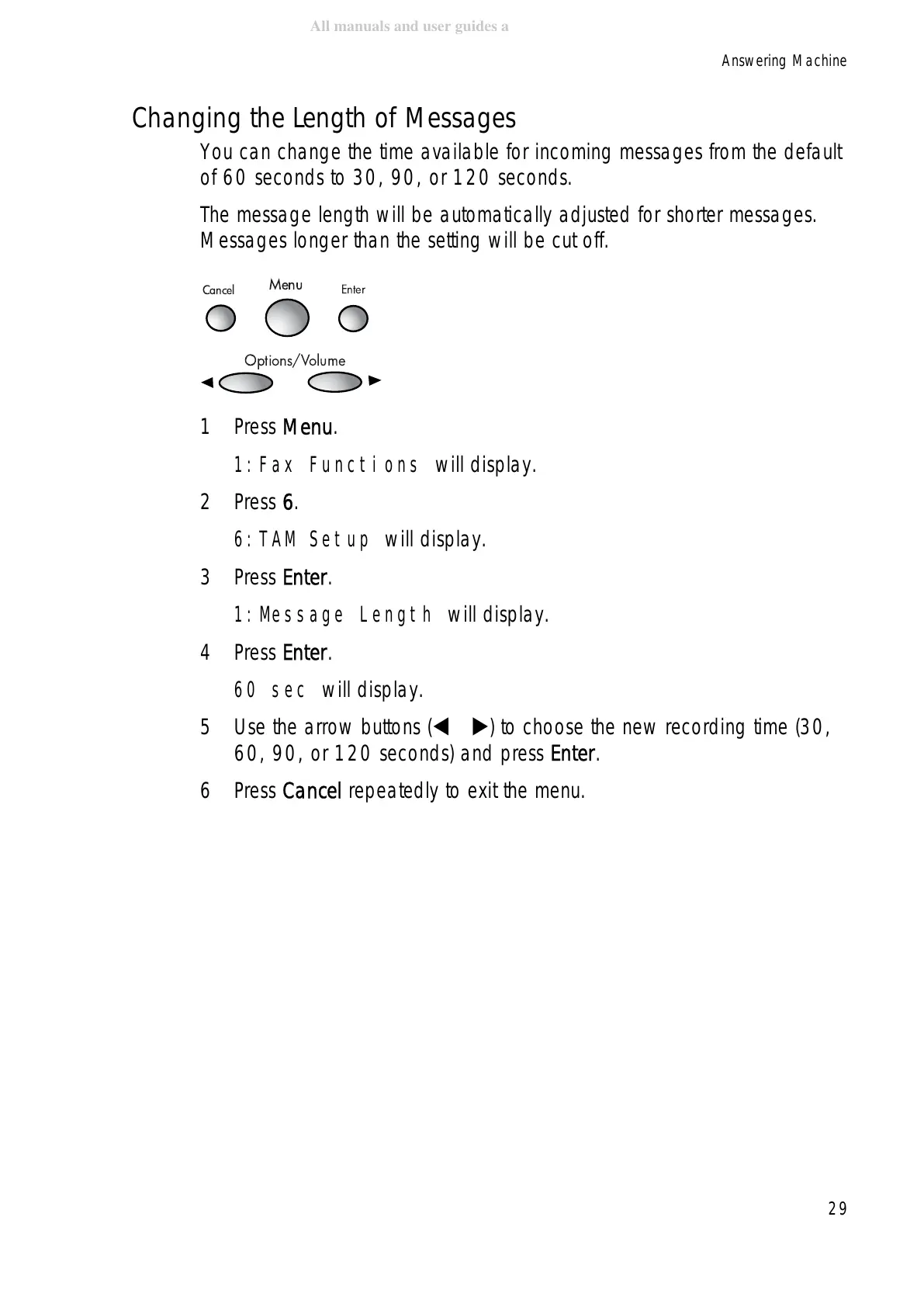
1Press Menu.
1:Fax Functions will display.
2Press 6.
6:TAM Setup will display.
3Press Enter.
1:Message Length will display.
4Press Enter.
60 sec will display.
5 Use the arrow buttons ( ) to choose the new recording time (30,
60, 90, or 120 seconds) and press Enter.
6Press Cancel repeatedly to exit the menu.
Cancel
Menu
Enter
Options/Volume



 To Next Page
 Loading...







