Answering Machine
31
Retrieving messages
1 Dial your fax machine from any touch tone telephone.
2 While the outgoing message is playing, enter an asterisk (*) plus the
PIN Code you selected. For example, if your PIN Code is 123, you
would enter *123.
Important:
You must have changed the PIN Code from the default *000
for remote access to work.
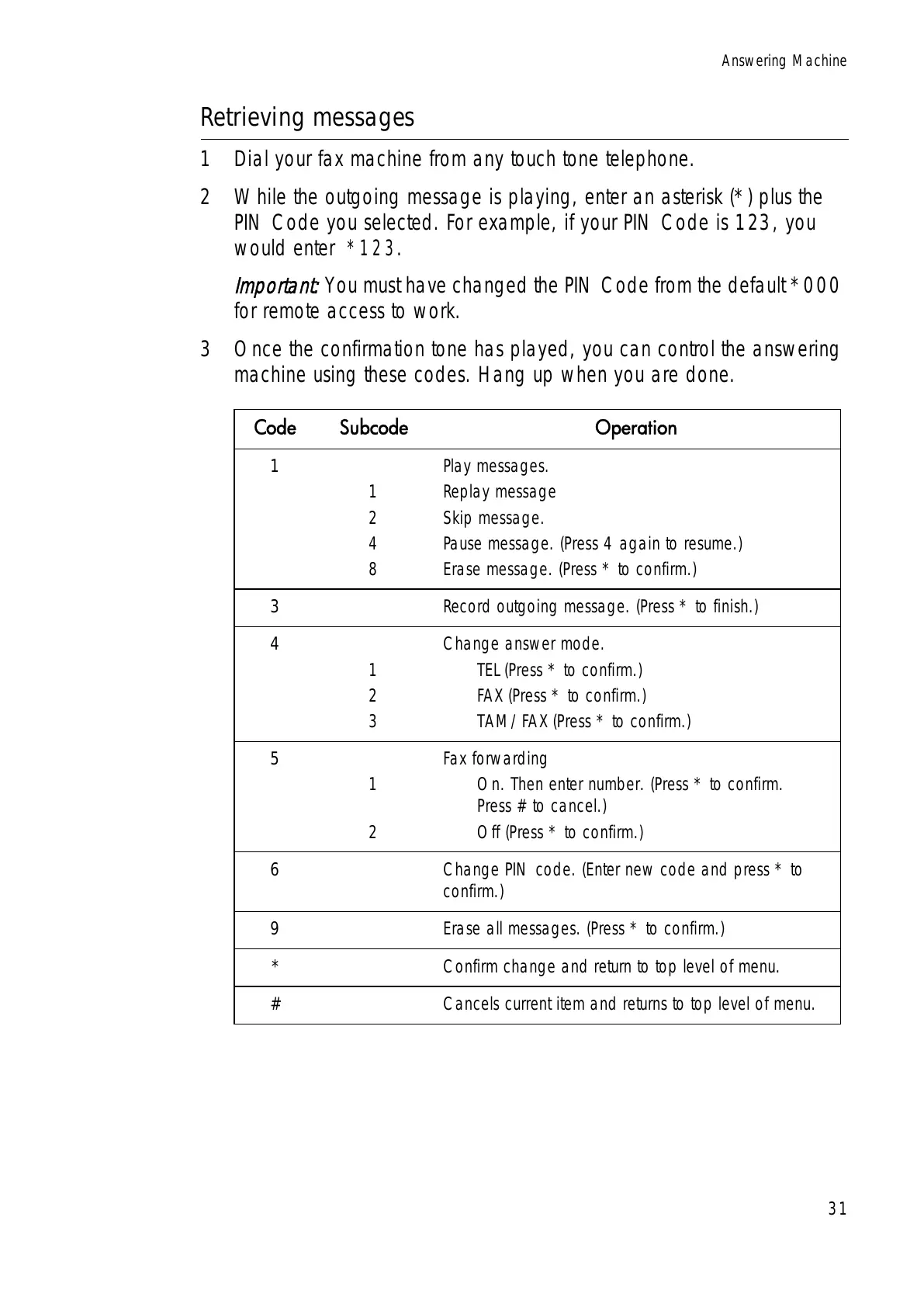
3 Once the confirmation tone has played, you can control the answering
machine using these codes. Hang up when you are done.
&RGH 6XEFRGH 2SHUDWLRQ
1
1
2
4
8
Play messages.
Replay message
Skip message.
Pause message. (Press 4 again to resume.)
Erase message. (Press * to confirm.)
3 Record outgoing message. (Press * to finish.)
4
1
2
3
Change answer mode.
TEL (Press * to confirm.)
FAX (Press * to confirm.)
TAM/FAX (Press * to confirm.)
5
1
2
Fax forwarding
On. Then enter number. (Press * to confirm.
Press # to cancel.)
Off (Press * to confirm.)
6 Change PIN code. (Enter new code and press * to
confirm.)
9 Erase all messages. (Press * to confirm.)
* Confirm change and return to top level of menu.
# Cancels current item and returns to top level of menu.



 To Next Page
 Loading...







