57
8
Telephone Functions
Making Telephone Calls
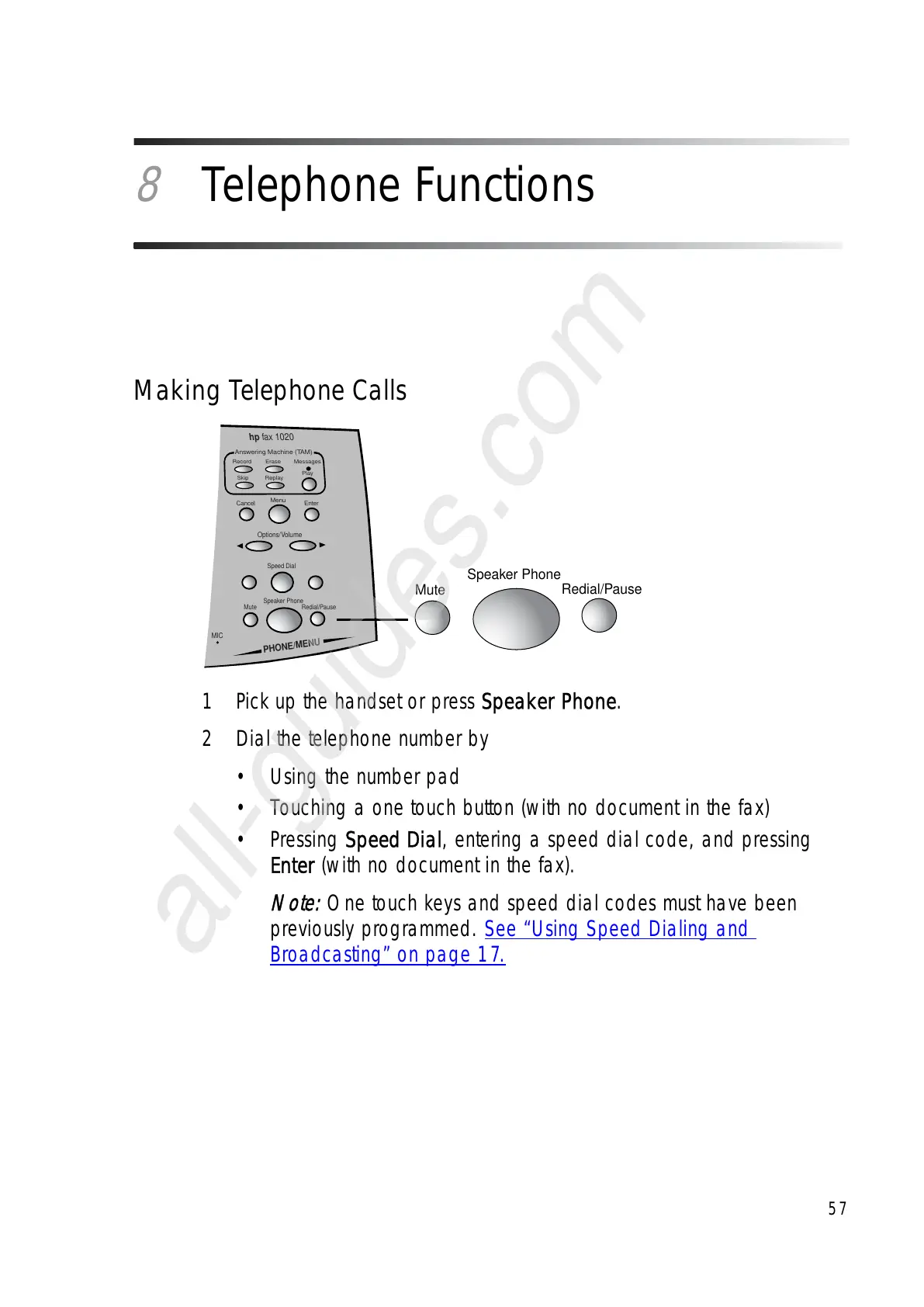
1 Pick up the handset or press Speaker Phone.
2 Dial the telephone number by
•Using the number pad
• Touching a one touch button (with no document in the fax)
•Pressing Speed Dial, entering a speed dial code, and pressing
Enter (with no document in the fax).
Note:
One touch keys and speed dial codes must have been
previously programmed. See “Using Speed Dialing and
Broadcasting” on page 17.
Mute
Speaker Phone
Redial/Pause



 To Next Page
 Loading...







