12 User’s Guide
Setting Up
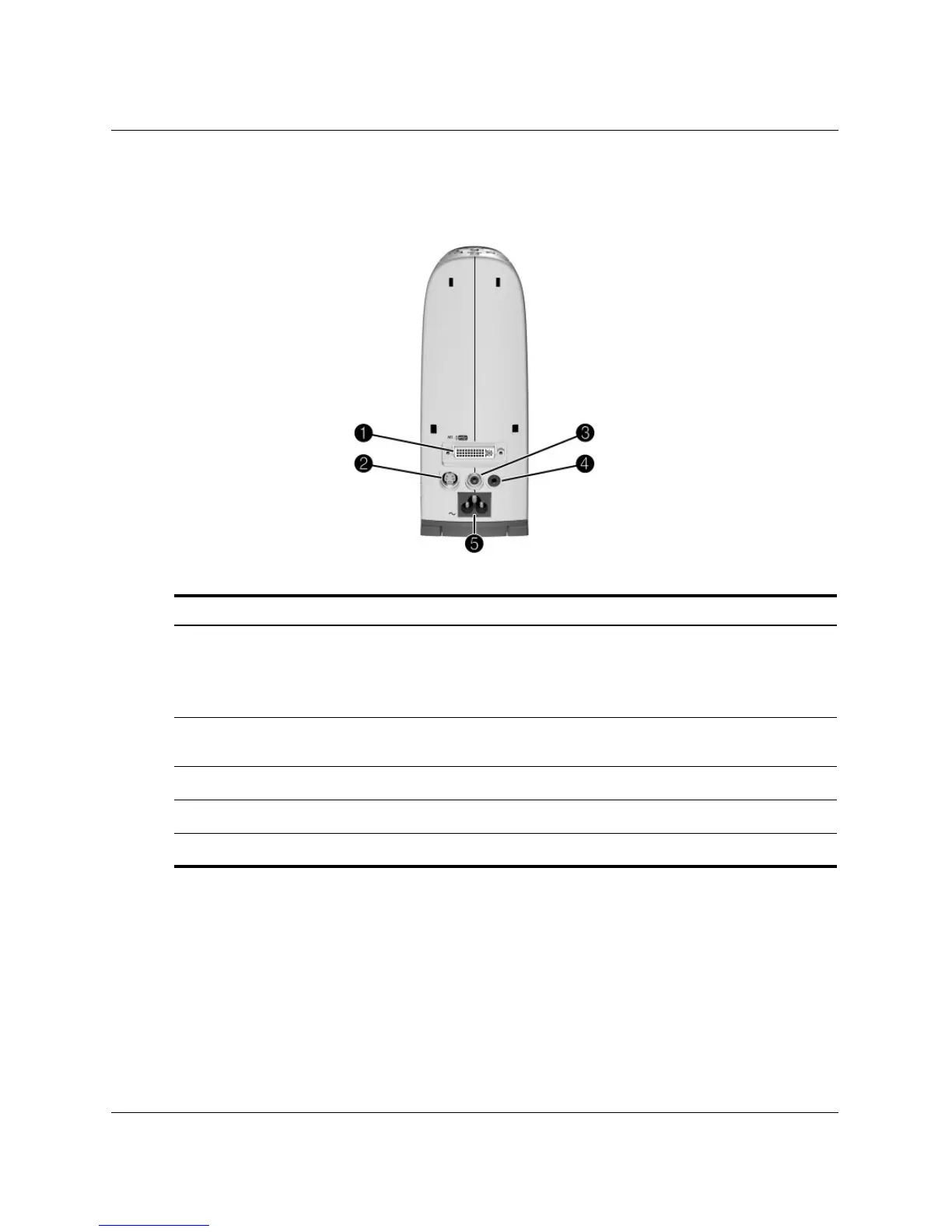
Back panel
Identifying the back panel
Symbol Item Function
1
M1 input Connects various equipment with analog- and
digital-video output, including computers. Also
supports USB-device output for controlling a
mouse.
2
S-video input Connects video input from devices like VCRs
and DVD players.
3
Composite-video input Connects video input from devices like VCRs.
4
Audio input Connects audio source.
5
Main power Connects power cord to projector.



 To Next Page