User’s Guide 19
Setting Up
To set up on a table
1. Place the projector on a stable platform located 1.2 to 12 m (4 to 40 ft) in front of
the screen. Ideally, the platform should be lower than the bottom of the screen.
2. Connect one end of the power cord to the back of the projector and the other end
to an electrical outlet.
3. When you first turn on the projector, set it to match the installation, if necessary.
Open the on-screen menu and select Setup > Projector position. Then choose
Front Table from the drop-down list—this is the default setting.
If you want to permanently install the projector on the ceiling or behind the screen, see
“Installing the Projector” on page 53.
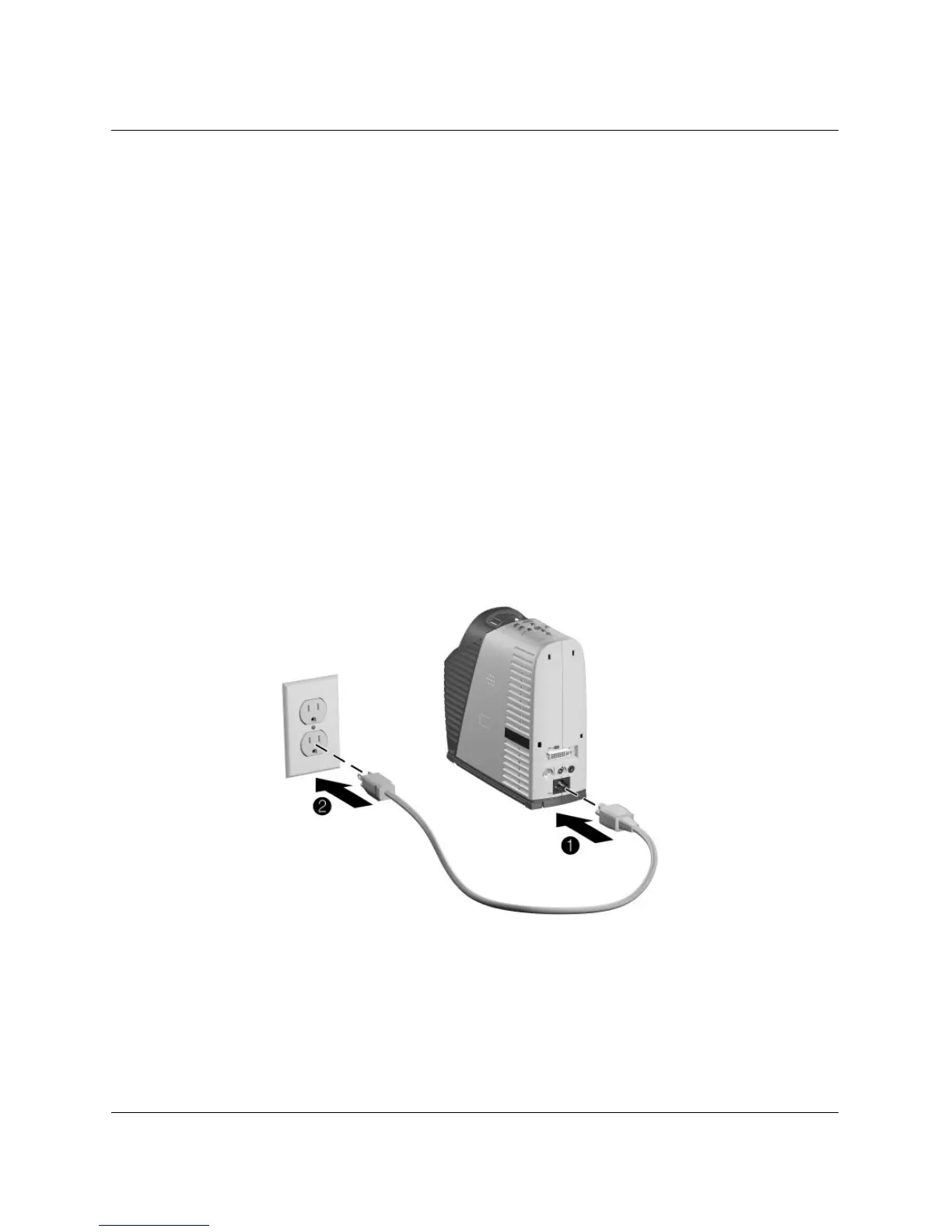
To connect power
■ Connect one end of the power cord to the back of the projector 1 and the other
end to an electrical outlet
2.



 To Next Page