50 User’s Guide
Maintaining the Projector
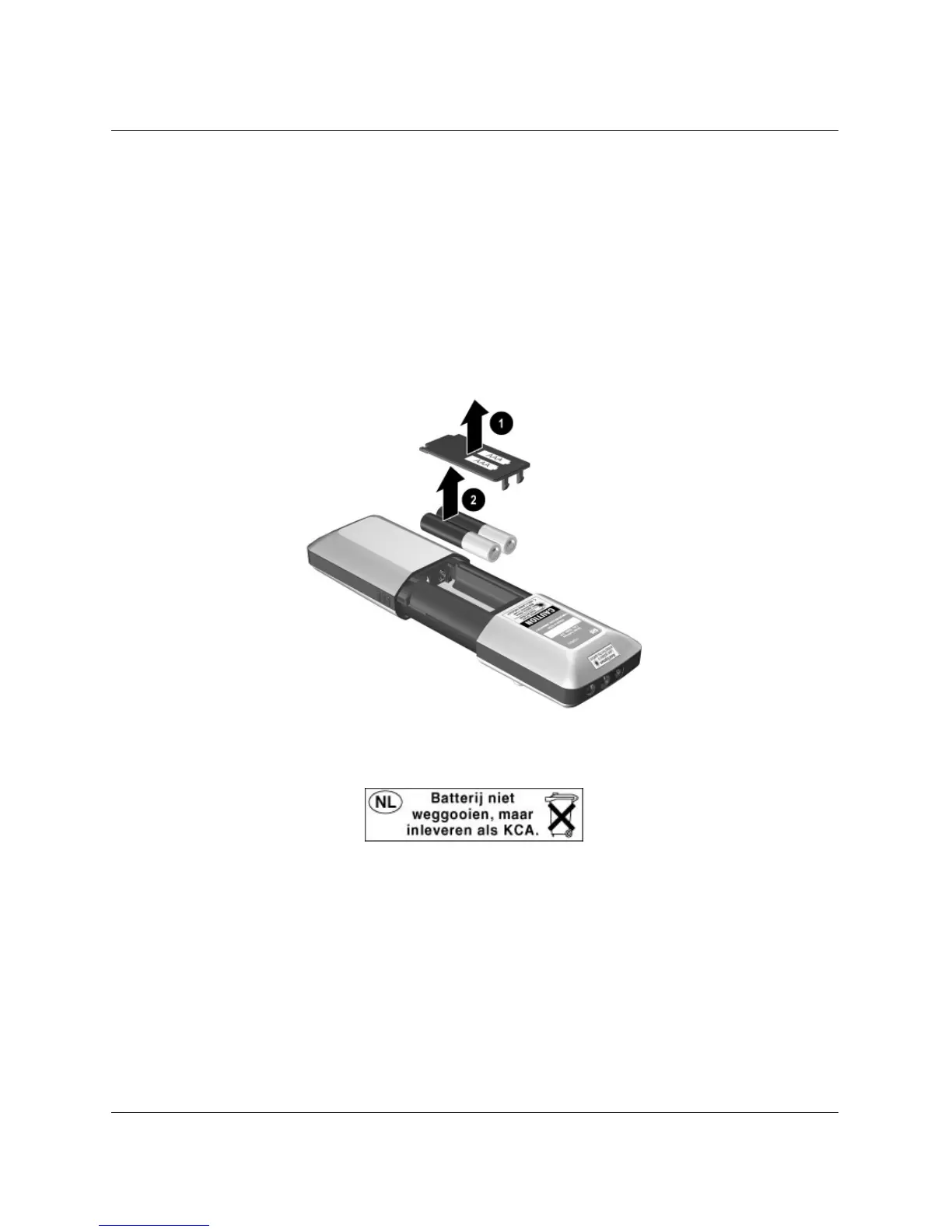
To replace the battery in the remote control
1. Slide the remote control case open to reveal the battery compartment.
2. On the back of the remote control remove the battery cover
1 to reveal the
batteries.
3. Remove the old batteries and install two new AAA batteries 2.
4. Install the battery cover.
When discarding old batteries, contact your local waste-disposal provider regarding
local restrictions on the disposal or recycling of batteries.



 To Next Page