User’s Guide 55
Installing Permanently
To install on the ceiling
Å
WARNING: To minimize the risk of injury from improperly installed equipment, it
is recommended that a professional installer performs the ceiling installation.
1. Align the end of the ceiling-mount bracket with the center hole in the lower-mount
bracket, and firmly secure it with a washer and bolt.
2. Attach the mounting bracket to the projector. See the instructions that came with
the ceiling mount.
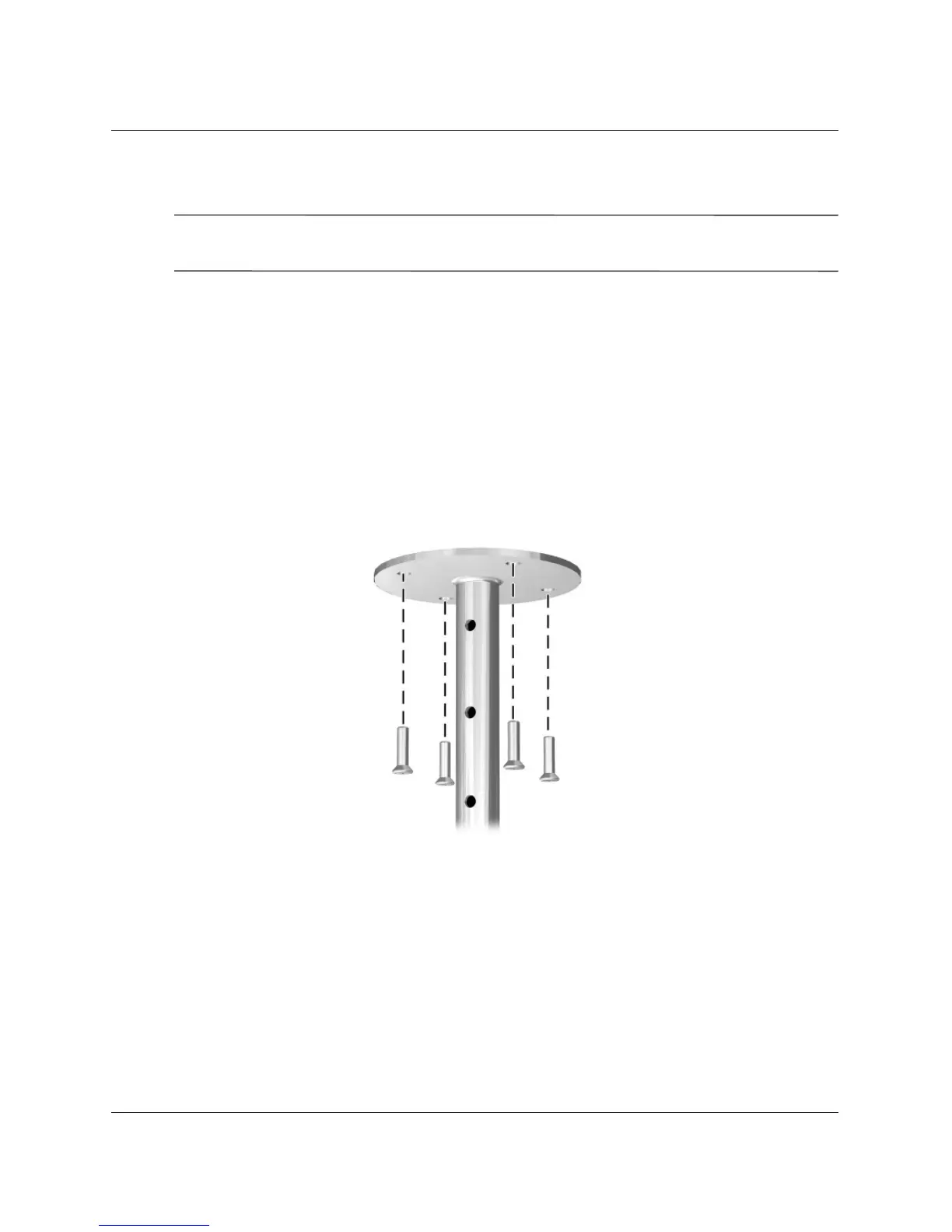
3. Attach the ceiling-mount bracket to the ceiling, and firmly secure with four screws
capable of holding 4 kg (10 lb). The ceiling-mount bracket must be located 1.2 to
12 m (4 to 40 ft) in front of the screen. See the table in “Setting Up the Projector”
on page 16.
4. Adjust the on-screen menu to match your settings. Open the on-screen menu and
select Setup > Projector position. Then select Front Ceiling from the
drop-down list.



 To Next Page