22 User’s Guide
Setting Up
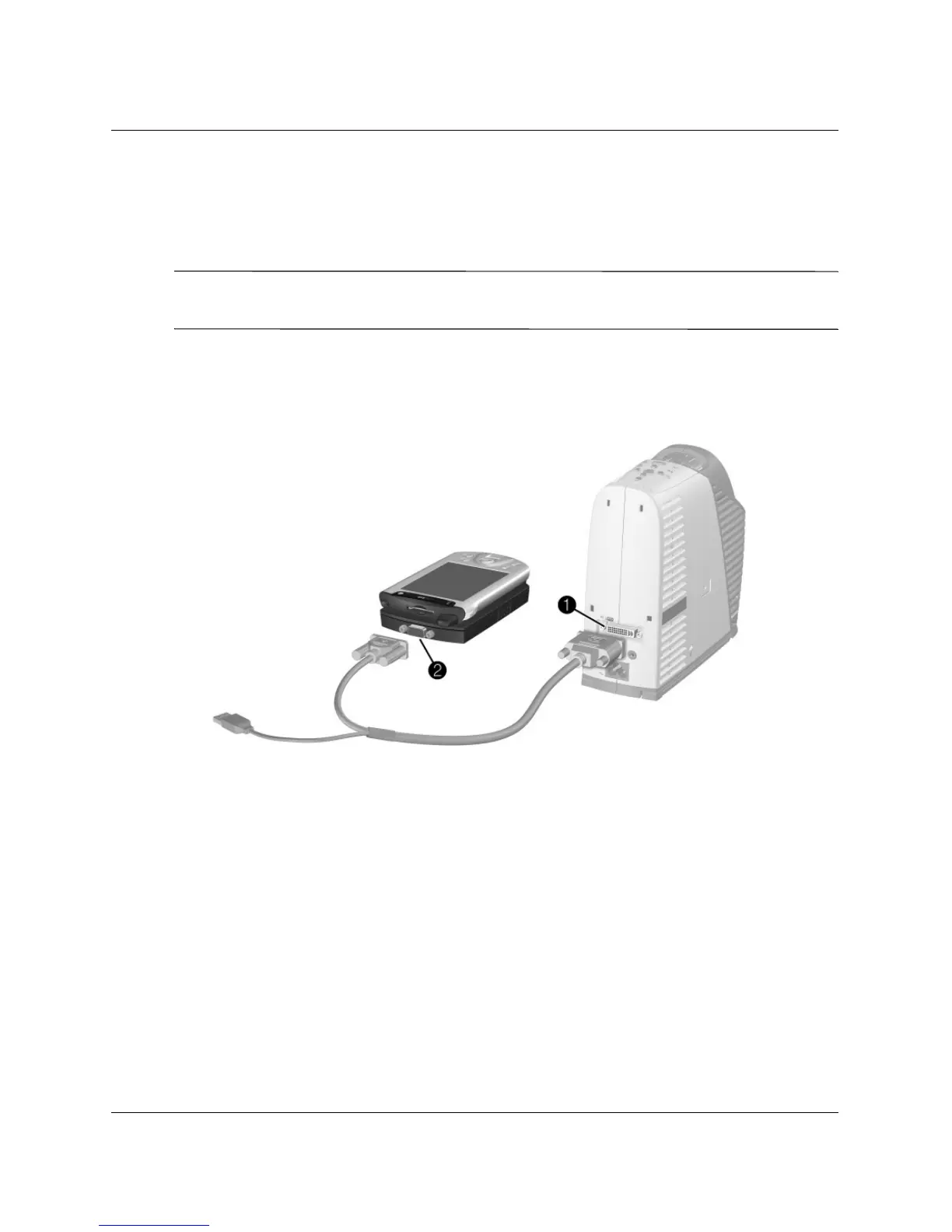
To connect a handheld organizer
1. Be sure the handheld organizer has a VGA-out port. If necessary, install a
VGA-out accessory card into the organizer.
✎
Not all handhelds come with VGA-out ports. For example, the iPAQ Pocket PC
requires a VGA-out PC Card with 15-pin connector.
2. Connect an M1-to-VGA/USB cable between the M1 port on the projector
1 and
the other end to the VGA-out PC Card
2 on the organizer.



 To Next Page