20 User’s Guide
Setting Up
To connect a computer
Computer with VGA port
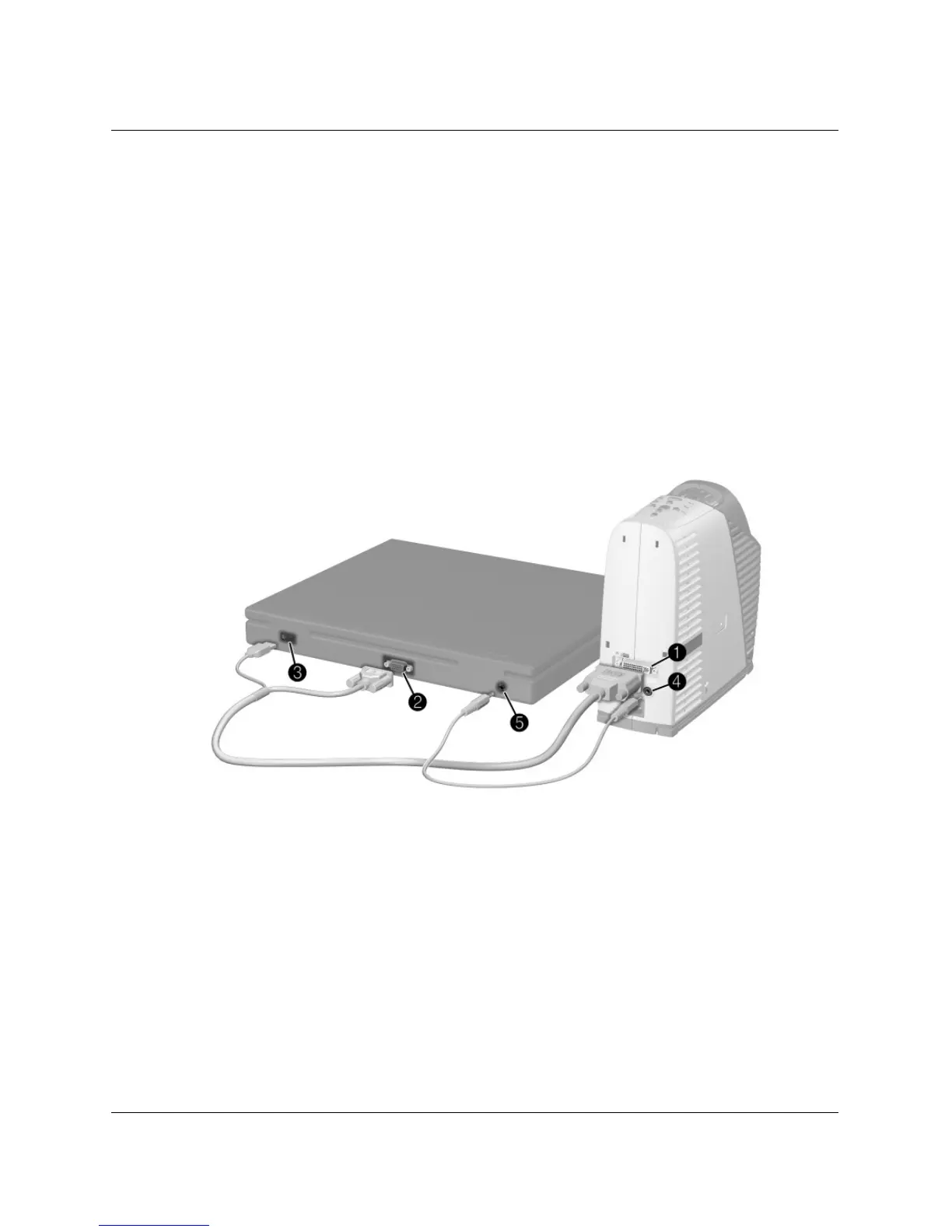
1. Connect the M1-to-VGA/USB cable between the M1 port on the projector
1 and
the VGA port on the computer
2.
2. (Optional) To allow the remote control to function as the computer mouse,
connect the USB plug of the M1-to-VGA/USB cable into the USB port on the
computer
3.
3. (Optional) To get audio, connect the mini-phone audio cable between the audio
port on the projector
4 and the computer 5



 To Next Page