User’s Guide 57
Installing Permanently
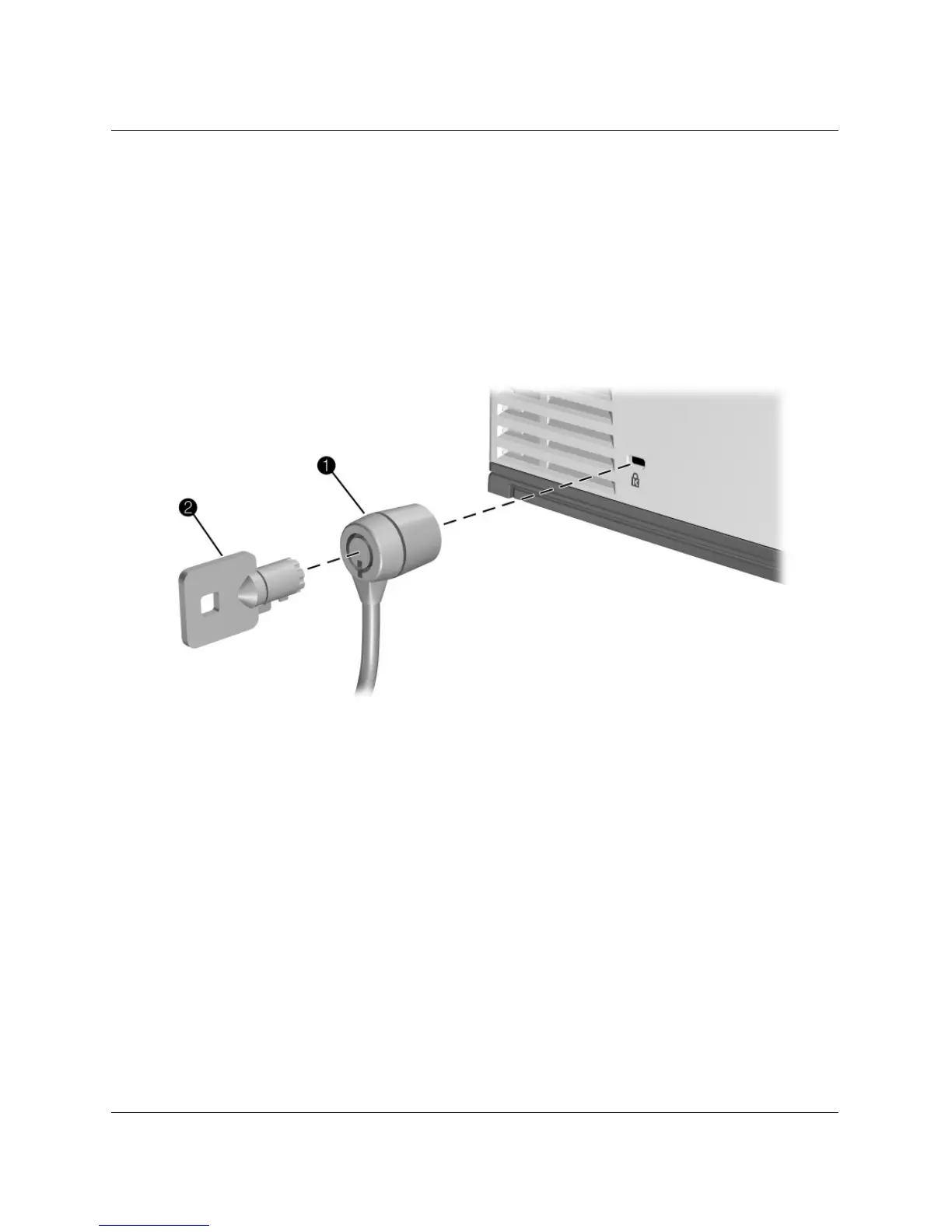
To lock the projector
The projector includes a built-in slot to secure the projector with a cable and a lock
(such as the Kensington MicroSaver lock system, available at many computer stores).
1. Wrap the cable around a secure object, such as a table leg. Loop the cable to create
a slip knot around the stationary object, and be sure it cannot slip off.
2. Insert the lock 1 into the hole and twist the key 2.



 To Next Page