User’s Guide 23
Setting Up
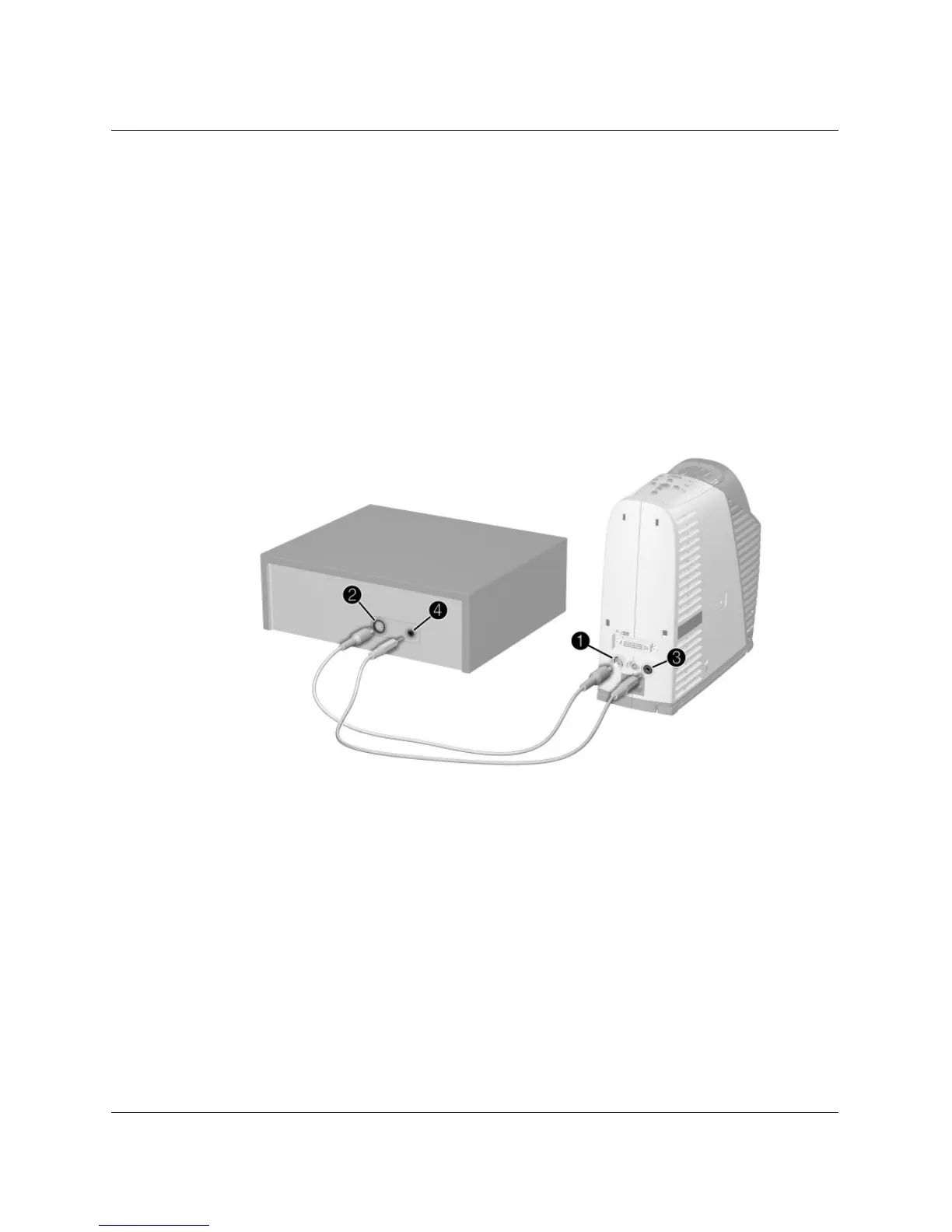
To connect video sources
S-video connection
Many DVD players and VCRs have S-video output.
1. Connect the S-video cable between the S-video port on the projector
1 and the
video device
2.
2. (Optional) To get audio, connect the mini-phone audio cable between the audio
port on the projector
3 and the video device 4. If the video device has RCA
audio connectors, use a mini-phone to RCA adapter or cable.



 To Next Page